Description
Changelog
Reviews (0)
PointMaker GD
A Godot successor to PointMaker by Splite.
🚀 Features
- ✅ Trigger multiple sounds
- ✅ Trigger an animation via
AnimationPlayer - ✅ Load another scene
- ✅ One-time or repeatable triggers
- ✅ Fully customizable hitbox using
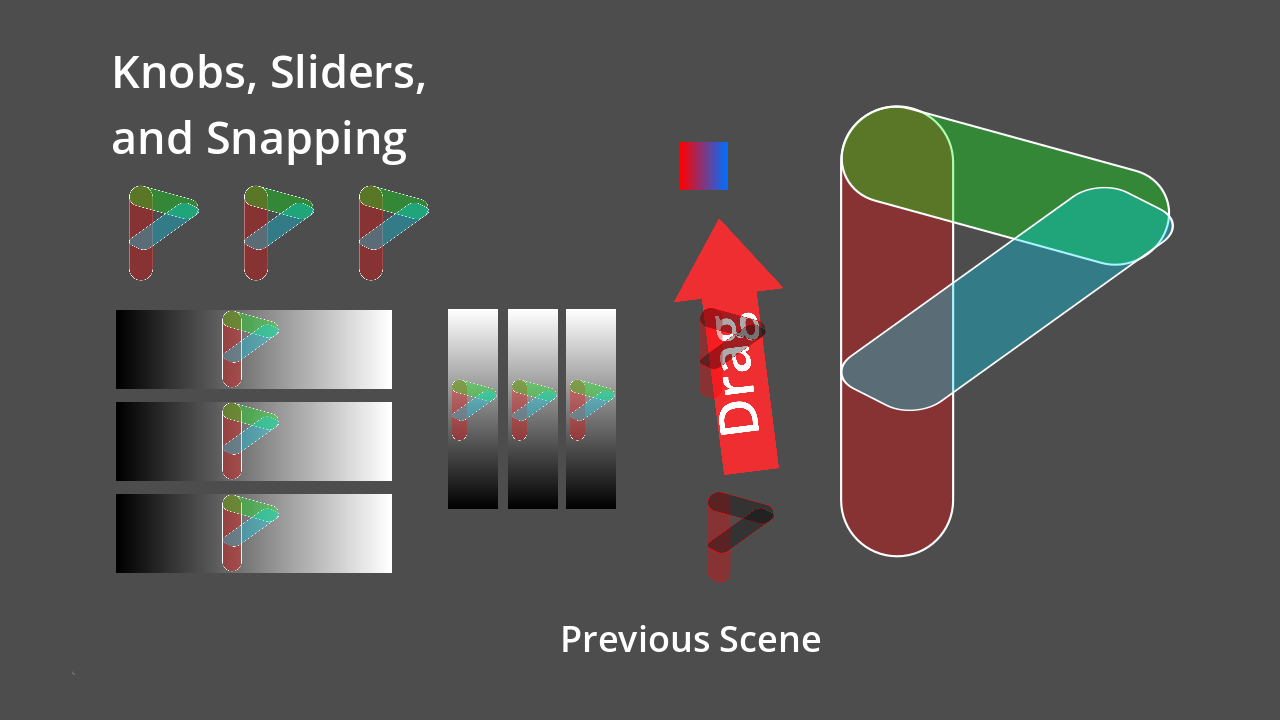
CollisionShape2D - ✅ Hover, hold, drag, snap, sliders, and radial knob interactions
- ✅ All nodes emit signals for easy scripting
🧩 How to Use
1. Enable the Plugin
- Go to Project → Project Settings → Plugins
- Enable
PointMaker
2. Add a PointMaker Node
- In the scene tree, click the "+" button to add a new node.
- Search for any of the following custom nodes:
PointTriggerPointHoverPointHoldPointDragPointSnapPointRadialPointSliderHPointSliderV
3. Add a CollisionShape2D
This is required for most nodes to detect collisions or mouse input.
- Right-click your PointMaker node → Add Child Node →
CollisionShape2D(orCollisionPolygon2D) - Set its
shape(e.g.,RectangleShape2D,CircleShape2D) - Resize as needed to define the interactive area
4. Configure the Node in the Inspector
Each node exposes properties in the Inspector for customizing its behavior. Common options include:
- Sounds: Add one or more
AudioStreamfiles - Animation Player: Provide a node path to the
AnimationPlayerto trigger - Animation Name: Name of the animation to play
- Scene to Load: Optional
.tscnpath to change scenes when triggered - Trigger Once: Enable if you only want the trigger to fire a single time
- Drag/Snap/Slider/Knob Options: See below for node-specific properties
🧑💻 Node Reference
Refer to PointMaker Docs for Node Reference.
📜 License
This addon is licensed under the MIT License. You are free to use, modify, and distribute it with attribution.
Changelog for version 0.0.4b
2026-08-25 04:46:16
No changelog provided for this version.