Modular UI Architecture
Build Godot UI where every feature plugs in and unplugs cleanly.
An opinionated architecture and set of runtime systems for building modular, reusable, and extensible UI in Godot 4.7, built on top of Godular (a DI/module framework) and GdbPromise (a promise library).
The problem
UI tends to accumulate coupling as a game grows. A HUD script ends up with direct references to the inventory, the quest log, and the pause menu; a new feature means editing scenes owned by other systems; and removing a feature means hunting down every place that still reaches into it.
Escape closes three overlapping windows at once, a hotkey fires while a text field has focus, and "don't show a popup while the game is paused" gets hardcoded into every popup instead of declared once.
This addon addresses that by making UI modular at the architecture level: features register what they need (a View, a HUD button, a keybinding) without editing the scenes they attach to, and removing a feature's module removes everything it contributed — no dangling references.
What you can do with it
Stop letting your HUD script know about the inventory, the quest log, and the pause menu. Here is what you get instead:
- Add a feature without touching anyone else's scenes. Drop in a module and it plugs a button into the HUD, a footer into the Inventory, or a whole new screen into the game. Remove the module and every trace of it disappears.
- Build a widget once, reuse it everywhere. A "Close" button or a currency counter doesn't need to know which screen it's on. It reads what it needs from that screen's state.
- Make a hotkey and its button behave the same. Both go through one binding, scoped to the UI layer you're in. Typing in a text field never triggers a stray shortcut, and Escape closes one thing, not three.
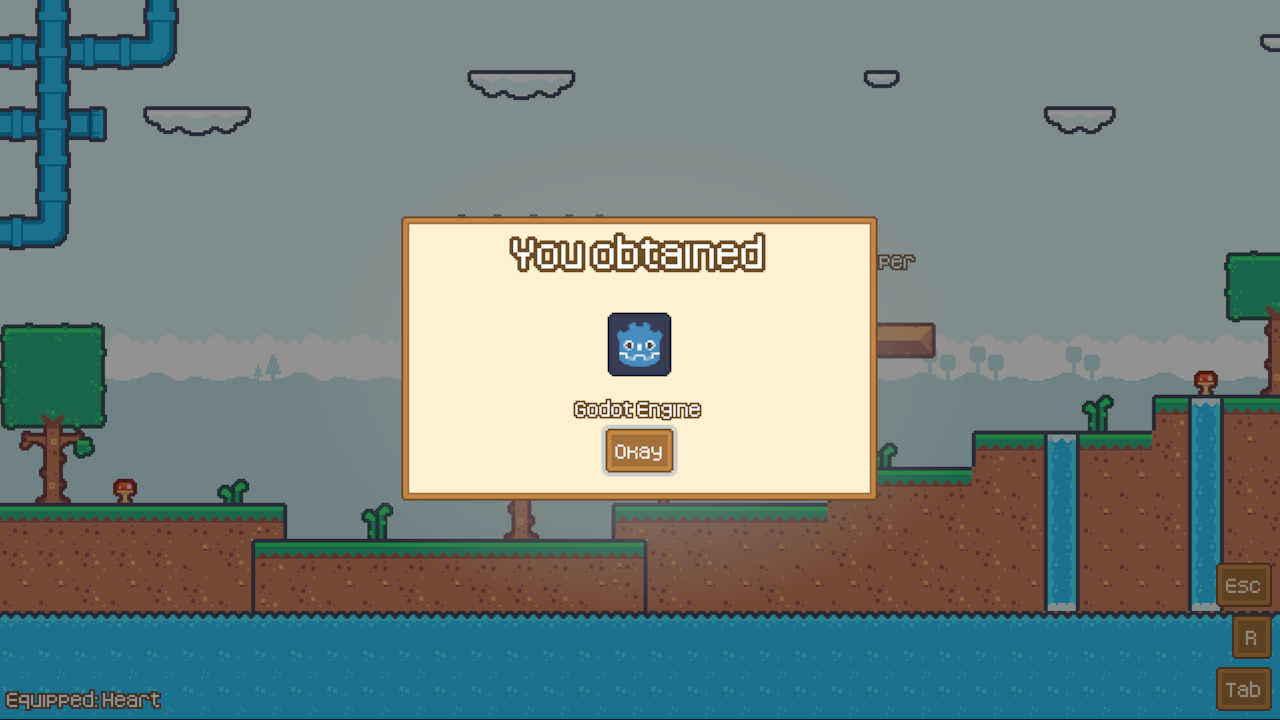
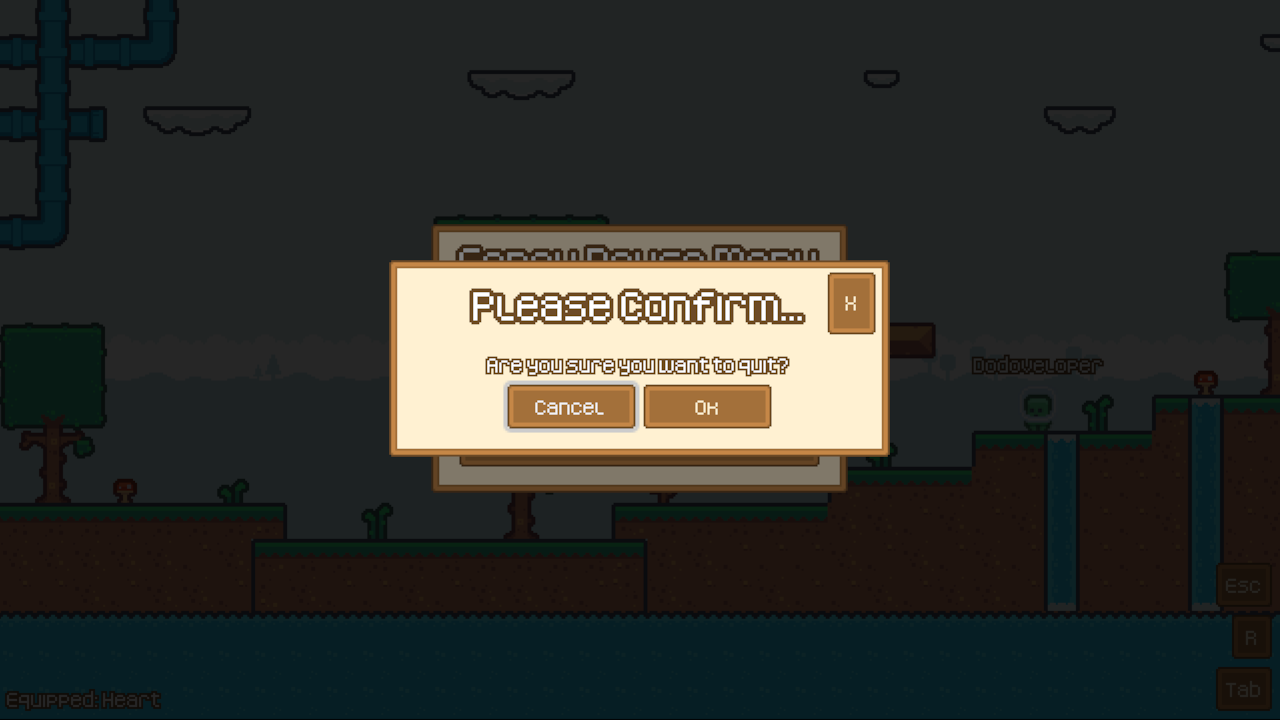
- Ship polished popups without writing the plumbing. You get click-outside and Escape dismissal, nested popups that can block their parent, and a queue so five "item obtained" notifications show one after another instead of piling up.
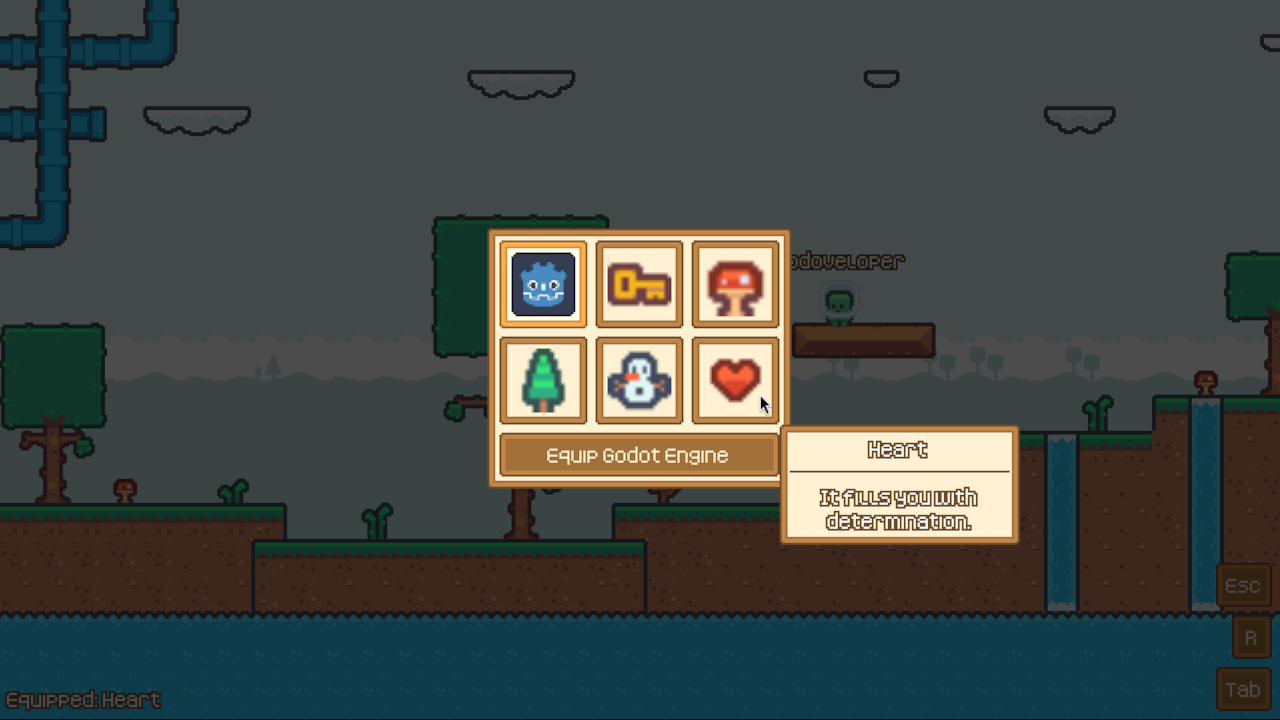
- Get hover tooltips that just work. One tooltip at a time, anchored to what you're hovering, so you never end up with stacked or orphaned ones.
- Pin UI to things in the game world. Nameplates, health bars, and markers follow a world node every frame, while still living in your UI layer.
- Say "not right now" in one place. Declare that popups are blocked while the game is
paused, and any gated popup respects it. No
if pausedchecks scattered through your code.
Is this for you?
✅ Likely useful for: mid-to-large projects that will keep growing UI over time (RPGs, management/sim games, live-service or moddable games), teams where different people own different features, and projects comfortable with a DI/module-style architecture.
⚠️ Probably not worth it for: game jams and small games with a handful of screens. The module/capability/registration structure costs more upfront than a handful of scenes and a singleton would, and that cost only pays off once several independent features need to share UI surfaces without stepping on each other.
Quick start
A minimal module that registers one View and mounts it, following the demo's own conventions:
# my_feature.md.gd
const GameUiModule = preload("res://addons/modular_ui_architecture/modules/game_ui/game_ui.md.gd")
const GameUiTypes = preload("res://addons/modular_ui_architecture/modules/game_ui/types.gd")

const MY_VIEW_PATH := "res://my_feature/my_view.tscn"
const MY_VIEW_TOKEN := &"my_view"

static var IMPORTS := [GameUiModule]


class MyFeatureModule extends GdlrModule:
	var reg_views: CapViewsRegistry
	var svc_game_ui: CapGameUi

	func register() -> void:
		reg_views.register_view(GameUiTypes.ViewRegistration.new(MY_VIEW_TOKEN, MY_VIEW_PATH))

	func enable() -> void:
		svc_game_ui.mount_view(MY_VIEW_TOKEN)
The demo
A small playable demo project exercising every system can be found in the project repo.
Documentation
Full user documentation lives here.
Changelog for version v1.0.0
2026-11-04 17:43:08
No changelog provided for this version.