Description
Changelog
Reviews (0)
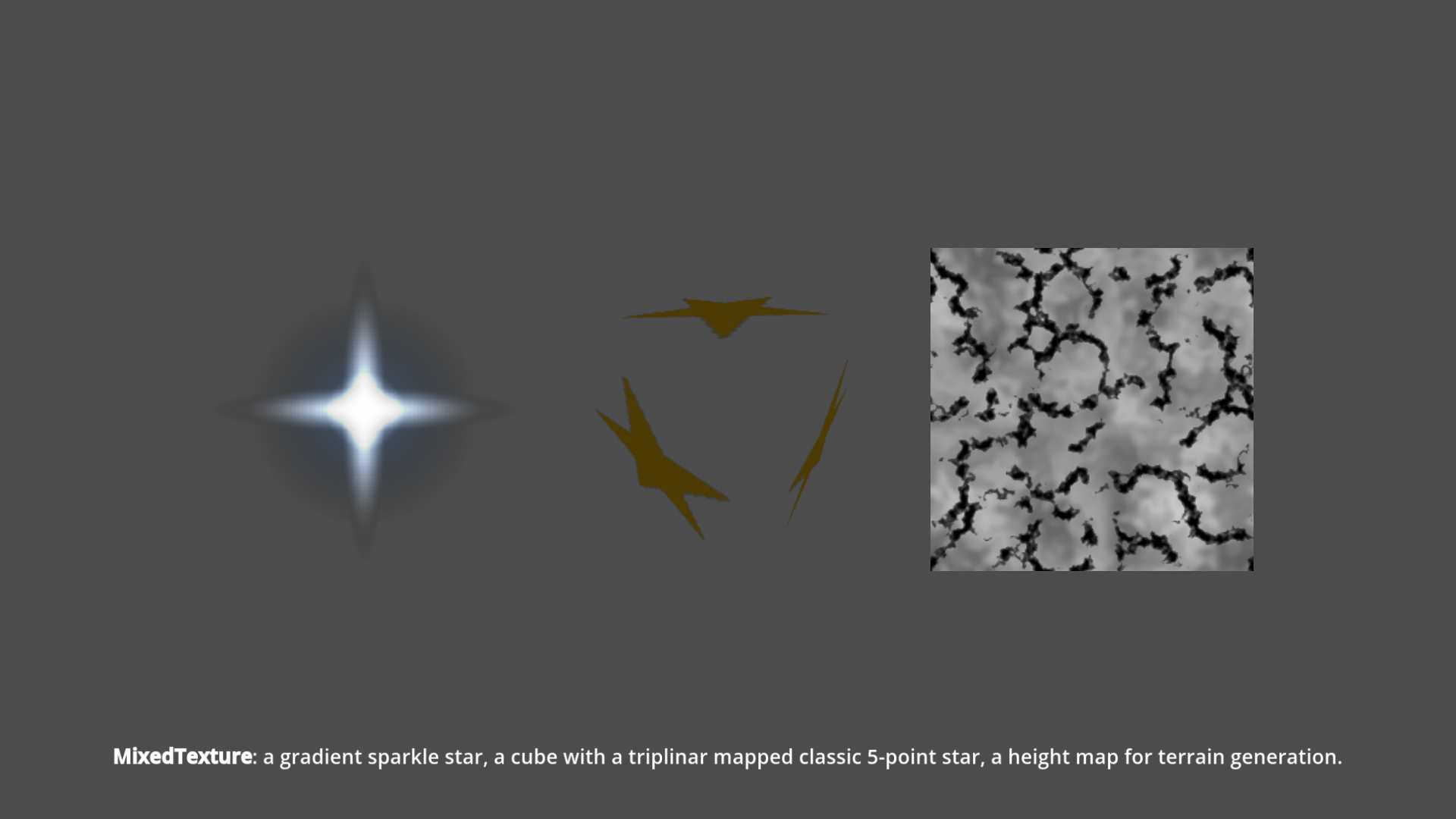
Mixed Texture 2D
A small Godot 4.7 addon that adds a MixedTexture2D resource: a Texture2D
baked from an array of layers, each with its own blend mode, opacity, scale and
wrap mode. Enable the Mixed Texture 2D plugin to use it (or just copy the
addons/godot-mixed-texture-2d folder — the types register via class_name).
Because MixedTexture2D is a real Texture2D, you can assign it anywhere a
texture is expected (Sprite2D, TextureRect, materials, exports).
Usage
var base := MixedTextureLayer2D.new()
base.texture = preload("res://noise_a.tres")

var top := MixedTextureLayer2D.new()
top.texture = preload("res://noise_b.tres")
top.blend_mode = MixedTextureLayer2D.BlendMode.OVERLAY
top.opacity = 0.8
top.scale = Vector2(2, 2)          # tile the source twice as large
top.wrap_mode = MixedTextureLayer2D.WrapMode.MIRROR

var mixed := MixedTexture2D.new()
mixed.size = Vector2i(256, 256)    # output resolution
mixed.layers = [base, top]         # composited bottom-to-top

$Sprite2D.texture = mixed
You can also create a MixedTexture2D and its layers directly in the inspector.
MixedTexture2D properties
size– output resolutionlayers– theMixedTextureLayer2Ds, composited bottom-to-topalpha_mode– how the output alpha is produced:KEEP(default) – use the composited alphaPREMULTIPLIED– treat the baked RGB as premultiplied alpha
ADD/DIFFERENCE/DARKEN/LIGHTEN) over black is effectively a premultiplied-alpha image: the color is alreadycolor × coverage, and those modes can't carve the alpha channel themselves.PREMULTIPLIEDrecovers coverage as alpha (the brightest channel) and divides the color back out, turning e.g. a gold star on black into a gold star on transparency. Unlike a naive luminance/value key, it stays correct on soft edges (no double-darkening).
Layer properties
texture– the sourceTexture2Dblend_mode–NORMAL, MULTIPLY, ADD, SUBTRACT, SCREEN, OVERLAY, DARKEN, LIGHTEN, DIFFERENCEopacity–0..1enabled– toggle the layer off without removing itscale/offset– place and resize the source in output spacewrap_mode– how to fill the output:REPEAT, CLAMP, MIRROR
Notes
- The composite is baked on a background thread (via
WorkerThreadPool) whenever a property changes, so editing stays responsive. It is not stored in the saved resource, so it always reflects the current sources. - Each layer follows its source texture's
changedsignal, so a source that isn't ready yet or changes later is skipped while empty and rebaked once it updates.
Changelog for version 0.1.0
2026-06-25 10:10:15
No changelog provided for this version.