Description
Changelog
Reviews (0)
SRCoders FPS Controller
Introduction
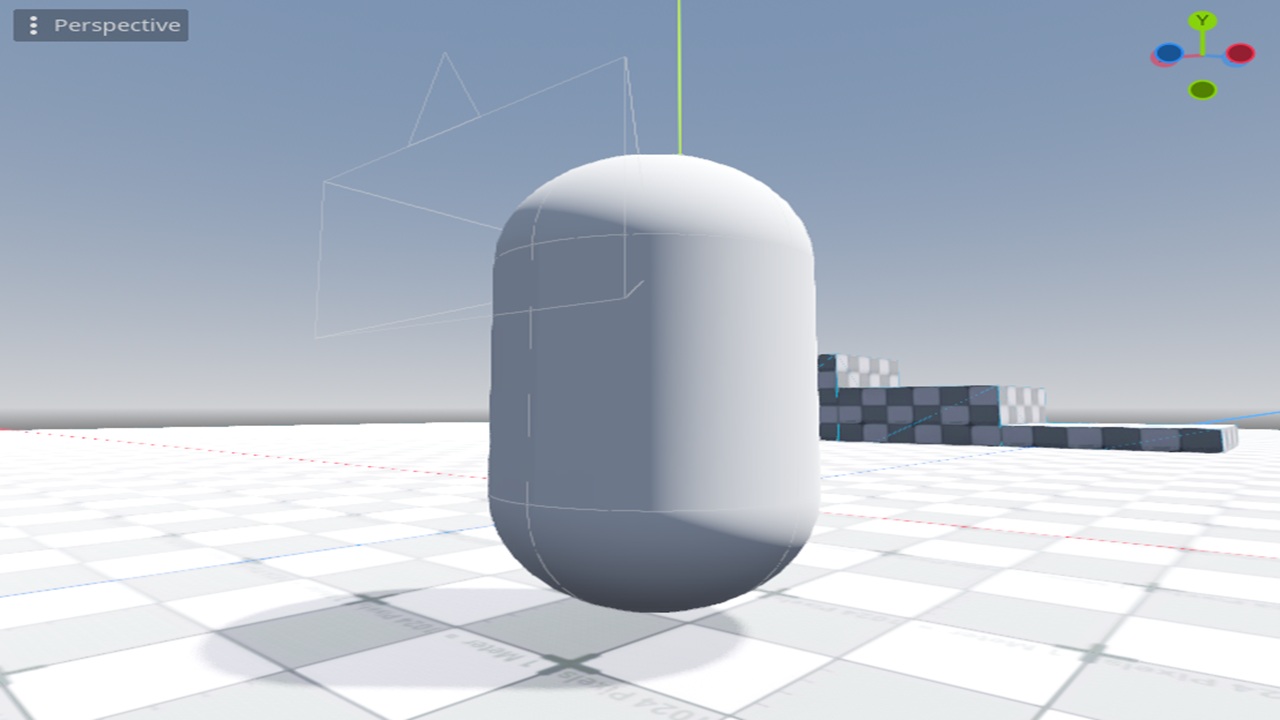
This is a basic but flexible first-person controller for use in your projects.
Instructions
Once you have the addon from the Asset Store, just drag player.tscn onto your scene. Make sure no other camera are on the scene as the prefab comes with it's own. Then set up the following actions in the Project->Project Setting->Input Map:
- up
- down
- left
- right
These must be named exactly as shown here.
Optionally, you can add mouse_lock.tscn onto your scene too.
MouseLock will allow the mouse to be toggled with escape and comes with a handy signal in case you need it.
The Player comes with quite a few tweakable values and is fully documented and commented. Feel free to experiment.
Changelog for version v1.0.1
2026-08-14 04:50:29
No changelog provided for this version.