Description
Changelog
Reviews (0)
Explanation
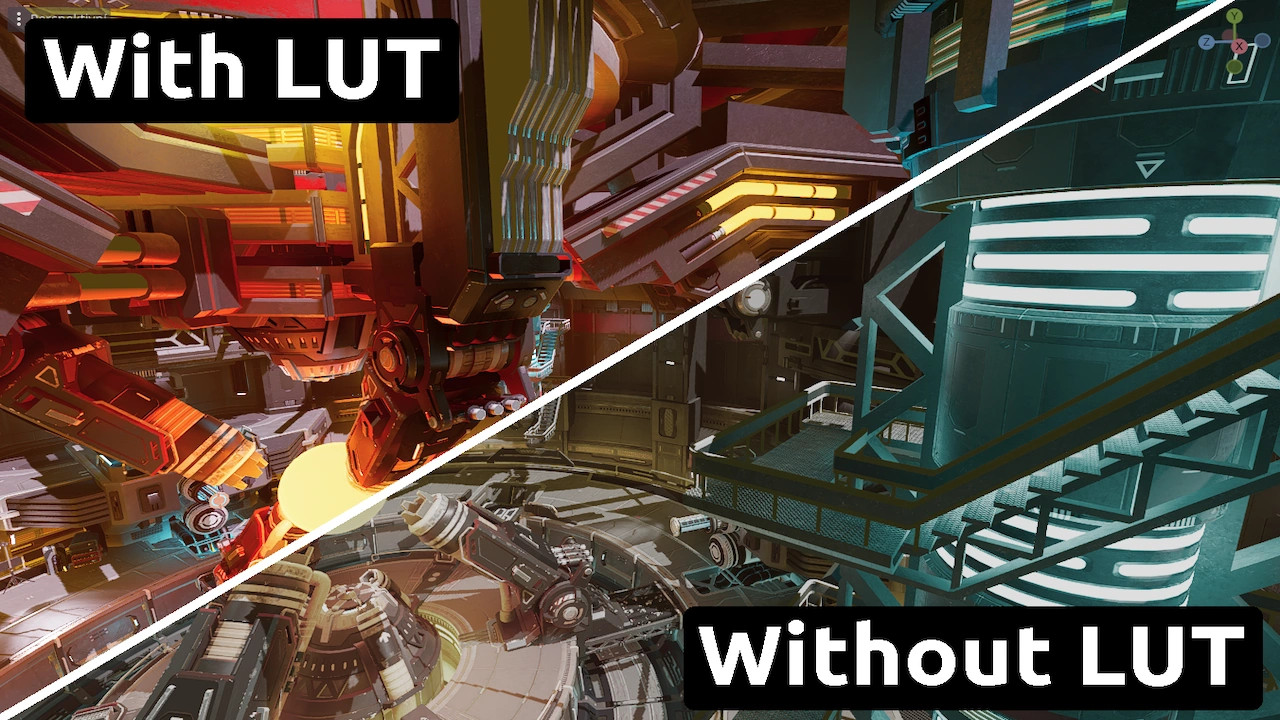
This asset is a folder, that contains neutral Look Up Tables for post-processing, and neutral means that it is linear, meaning no noticable change in colors. This is supposed to be edited in an image editor to create the LUTs that you want.
How to use:
After editing the image, import it into Godot as a Texture3D (the image is a strip of 2D images, verical size is 1 and horizontal depends on quality, for example 33), and under a World Enviroment node, under "Adjustments > Color Correction" set it to that image.
Diffrent quality versions:
There are 4 levels of quality:
- Low - 17x17x17
- Medium - 33x33x33
- High - 51x51x51
- Ultra - 65x65x65
However, LUTs are very efficient and have almost no performance cost.
File formats:
- EXR - preferred
- WEBP - lowest file size
- PNG
- QOI (GDExtension)
Changelog for version Version 1
2025-07-22 20:56:41
No changelog provided for this version.