×
Description
Changelog
Reviews (0)
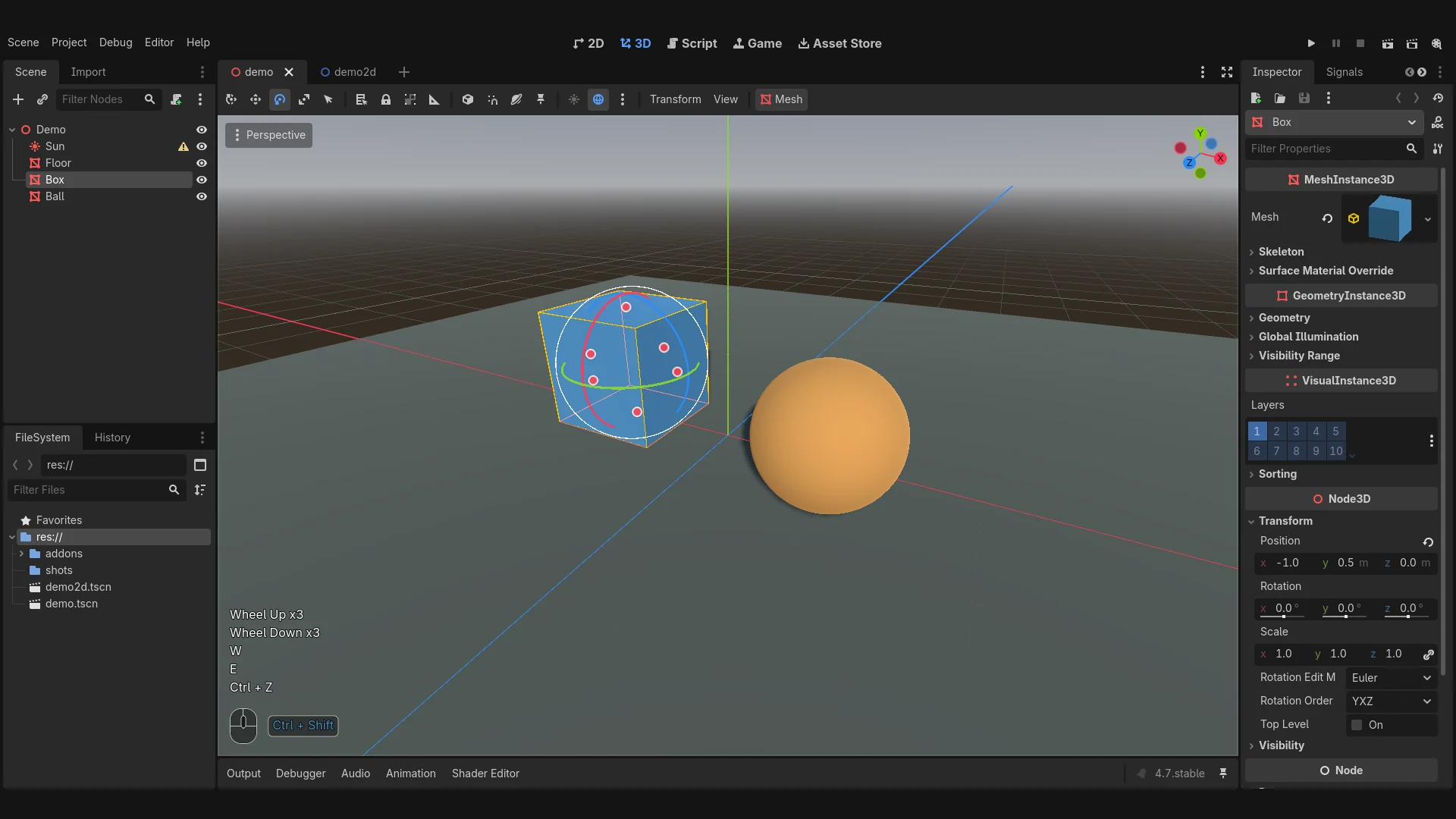
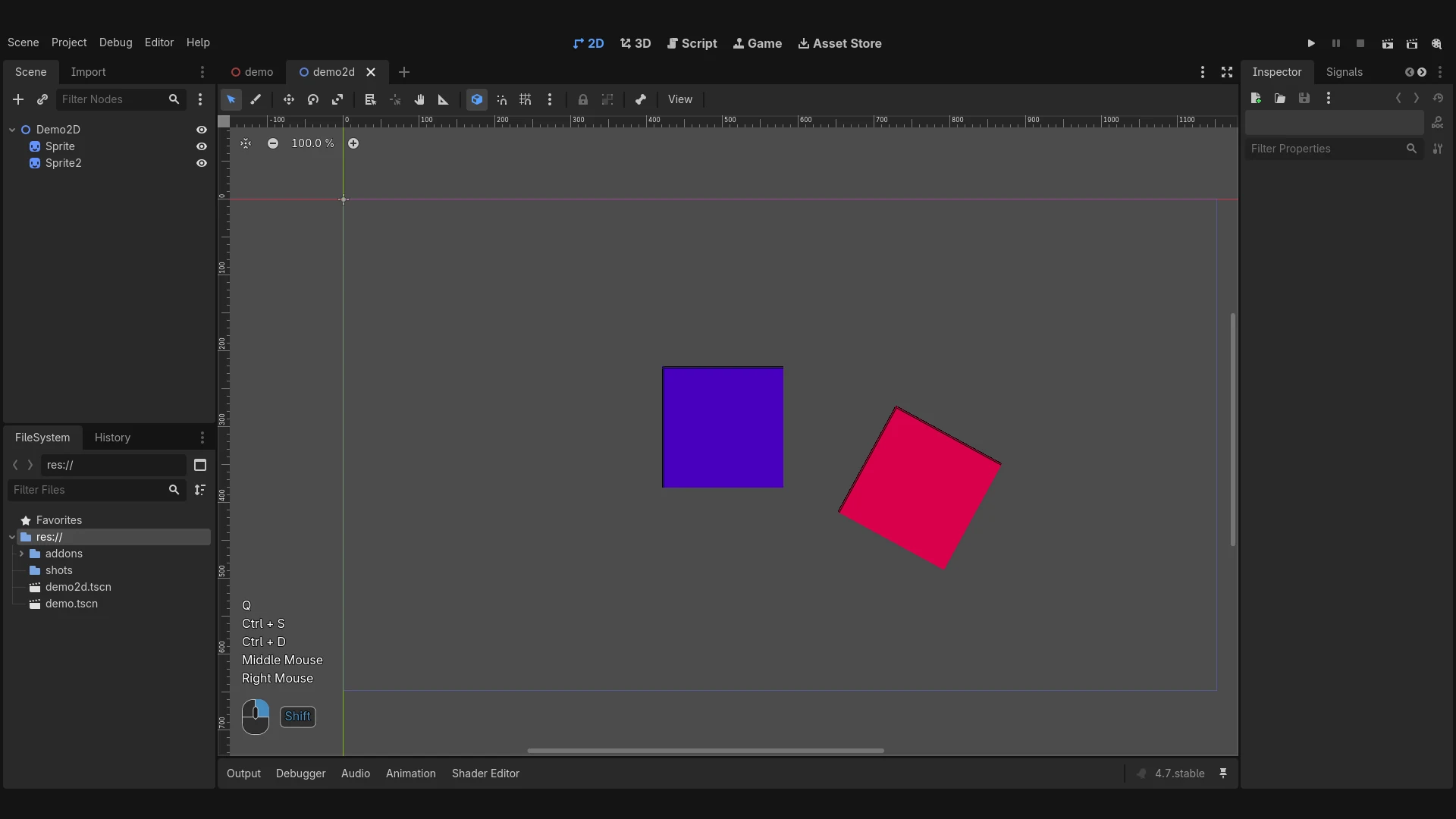
Shows the keys and mouse buttons you press on top of the Godot editor. I made it for recording bug videos and tutorials, it's basically the Screencast Keys addon from Blender but for Godot.
- Last keys and clicks as text, with
x3when you repeat the same one - A little mouse at the bottom that lights up the button you're holding
- Ctrl/Shift/Alt held right now in a box next to it
- Bottom left of the main screen (the 3D/2D view most of the time)
How to use
Enable it in Project > Project Settings > Plugins, then turn it on and off from Project > Tools > Toggle Screencast Keys.
Settings
No settings screen for now, the constants at the top of screencast_overlay.gd are the settings (font size, colors, how long a line stays up, etc). Disable and enable the plugin again after changing them.
Tested on Godot 4.7.x.
Credits
Inspired by Screencast Keys for Blender by nutti (GPL-3.0). The mouse proportions come from its draw_mouse_v2, I rewrote the drawing for Godot.
Changelog for version 0.1.0
2026-10-28 15:17:55
No changelog provided for this version.