Dialogue Creator for Godot Engine
Dialogue Creator is an add-on for the Godot Game Engine that allows creating dialogue data and storing them in a dictionary format inside of a Resource, it comes with a demo to showcase how to properly use said data and helper nodes.
Features
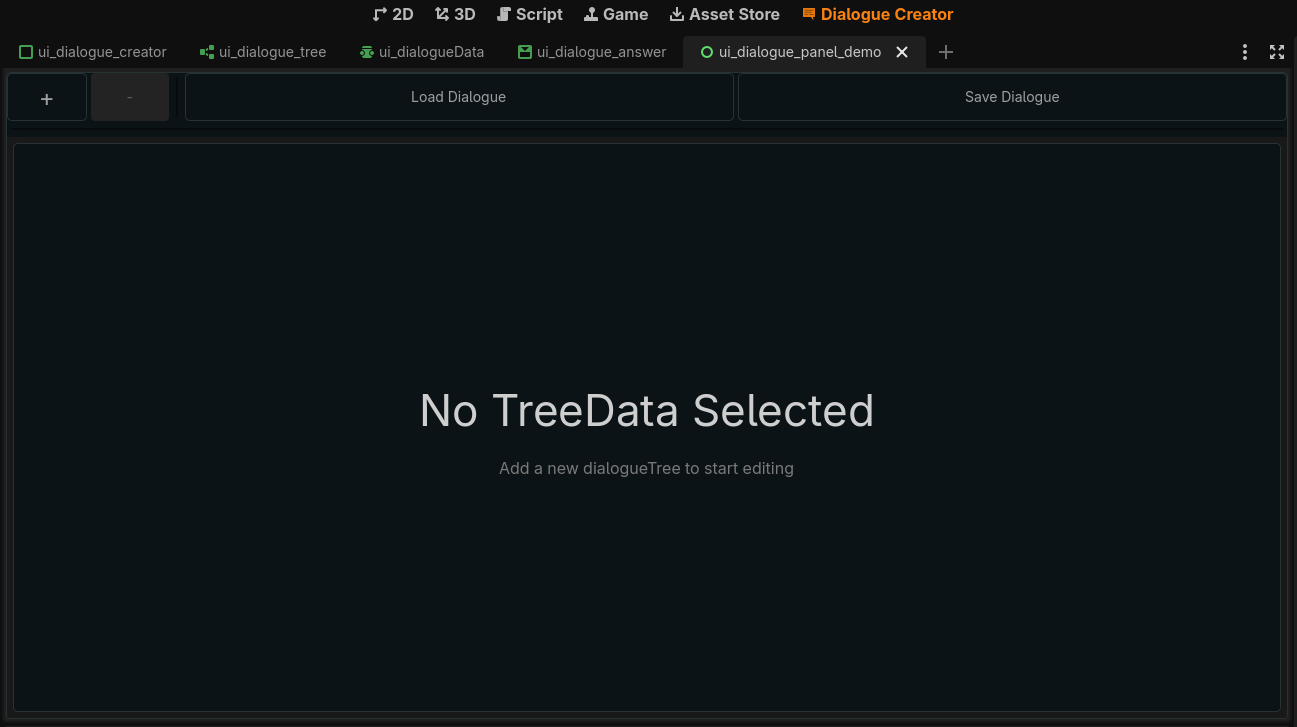
- An interface for managing dialogues you can load/save the dialogue resource files as you see fit, multiple dialogue resources can be opened at the same time.
- A demo scene that showcase how the plugin is used as an example:
- Two nodes that facilitate the creation of a dialogue UI:
| Name | DialogueManager | DialogueAnswerButton |
|---|---|---|
| Image | ||
| Description | This node reads and manages the data given to it, it offer methods that makes reading the resource easy. | Inherits the base button class this node have it's own attributes such as next_dialogue_id which dictate the next branch to jump to. |
NOTE: These nodes are not mandatory for the plugin to function but rather serve as an example on how to use the data created by the plugin, you can make your own logic on how the resource gets processed or used or you can use the nodes provided the choice is up to you.
How it works
- Plugin:
For the plugin it simply uses the GraphEdit node provided by Godot to make creating a dialogue tree intuitive, when saving the plugin save it as a resource for easier checking by you.
CAUTION: Since the dialogue data is a resource, malicious actors could inject code into the resource while pretending to help by "translating" the dialogue for you game, be smart and don't trust anyone, future updates will provide more formats to save for better security.
- Demo scene:
There are 4 methods inside the DialogueManager that you need:
1 -initialize_dialogue(id)needed to be called in your_ready()function to start the conversation with the given id, make sure the id given is correct or you will get an error.
2 -get_npc_text()gives you the String for the npc text in the current dialogue branch.
3 -get_answers()returns an array with all the answers in the current dialogue branch.
4 -update_dialogue(id)moves to the next dialogue branch, use the answernext_dialogue_id keyas id.
The cycle for a conversation is as follow, first initiate the conversation, populate the npc and player texts and once a button is pressed update the dialogue then populate the fields again, rinse and repeat until you finish the dialogue.
The demo showcases this in details, check it out!
TO-DO
A list of missing features/stuff I'd like to do in future updates:
- [ ] Add options for further customization.
- [ ] Add the option to save the dialogue data as a binary or JSON format for more security.
- [ ] Add a global singleton that allows answer buttons to call custom functions upon being pressed.
- [ ] Make a video explaining how to use the plugin properly.
Credits
A special thanks to the people at the Godot Forums for helping me fixing problems.
Changelog for version 1.0
2026-08-07 22:55:23
No changelog provided for this version.