×
Description
Changelog
Reviews (0)
MultiLayer TileMap
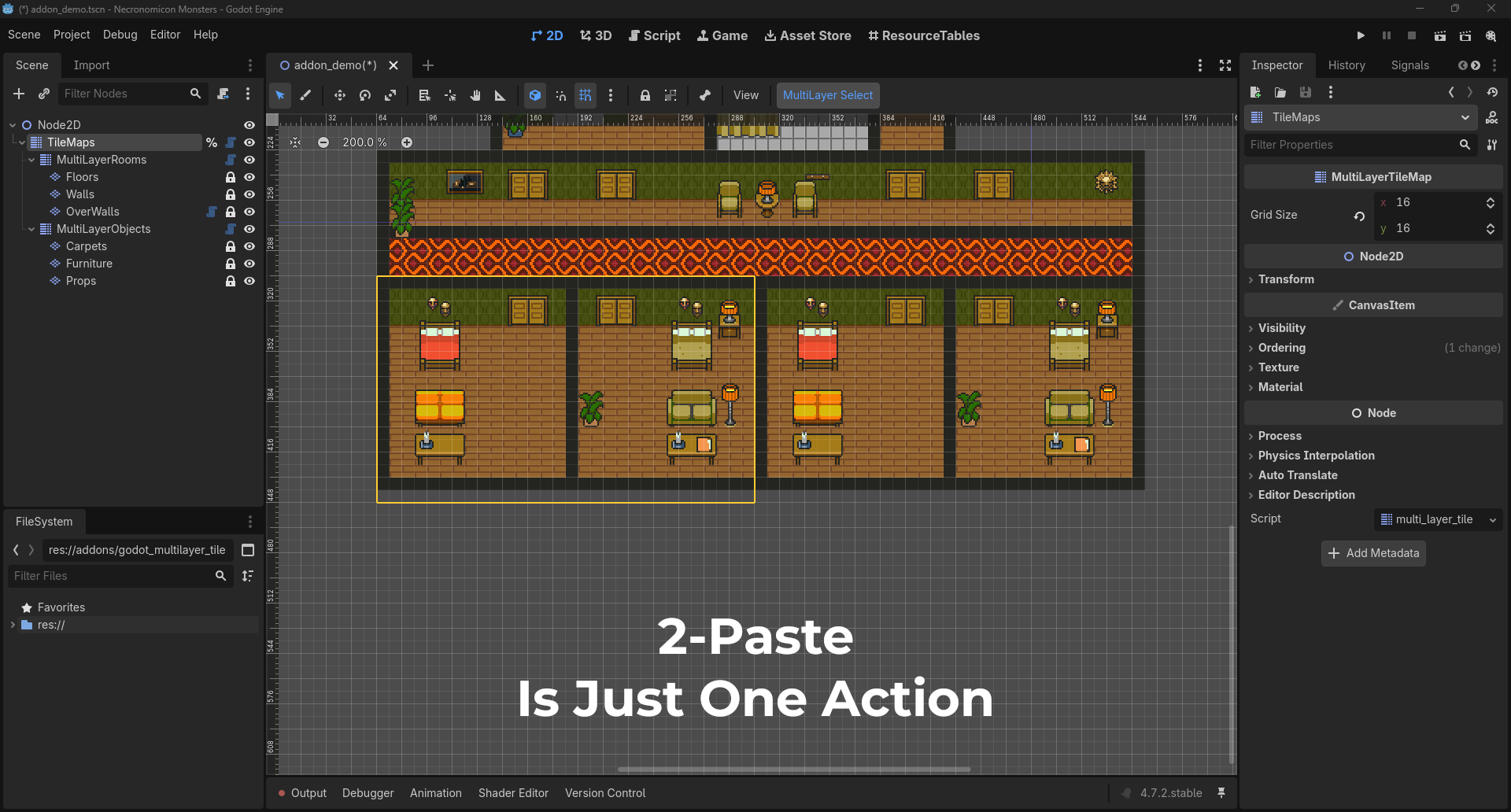
A Godot addon to select and edit tiles across several TileMapLayer nodes at once.
Tested with Godot 4.7.
Features
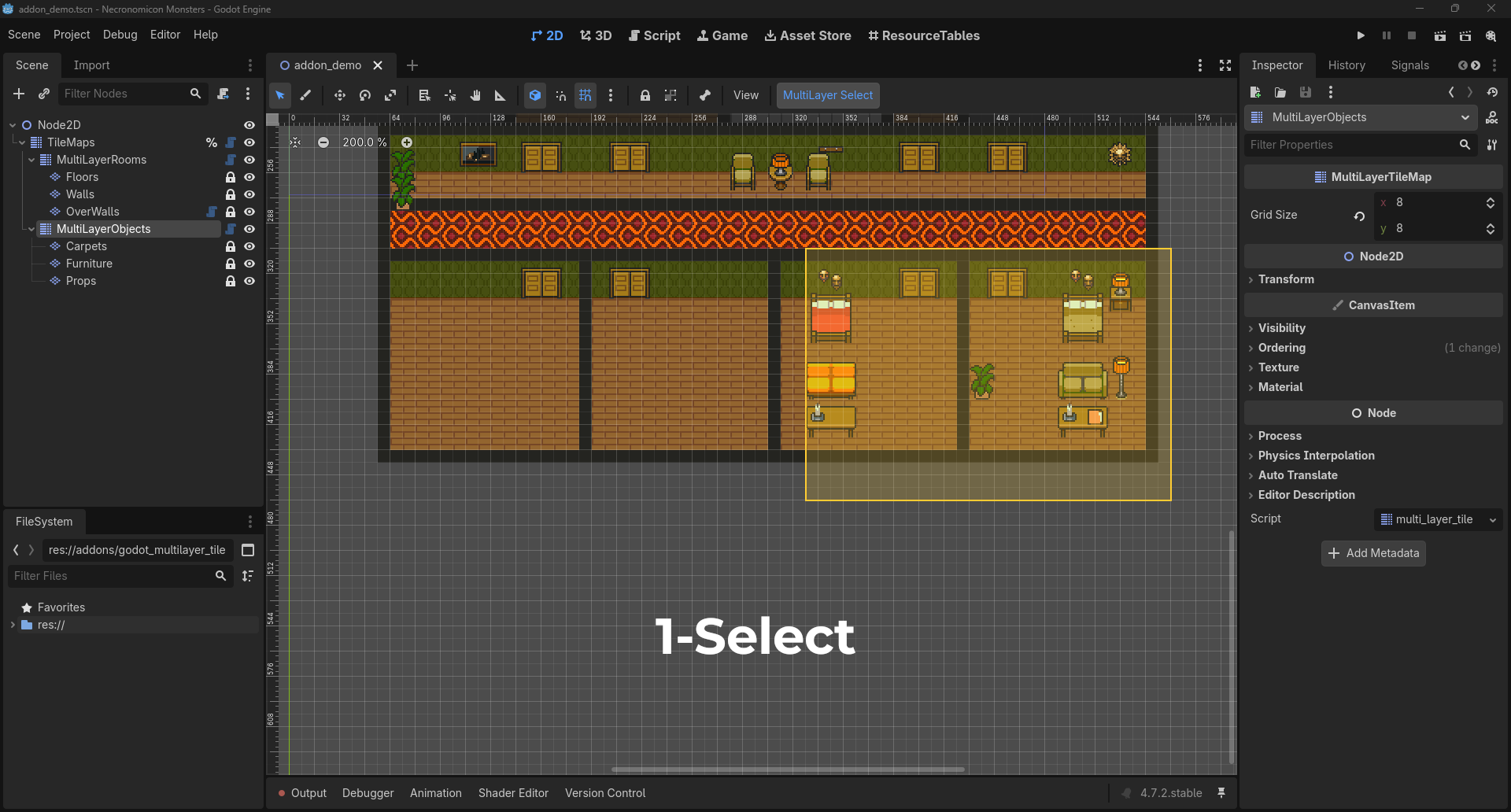
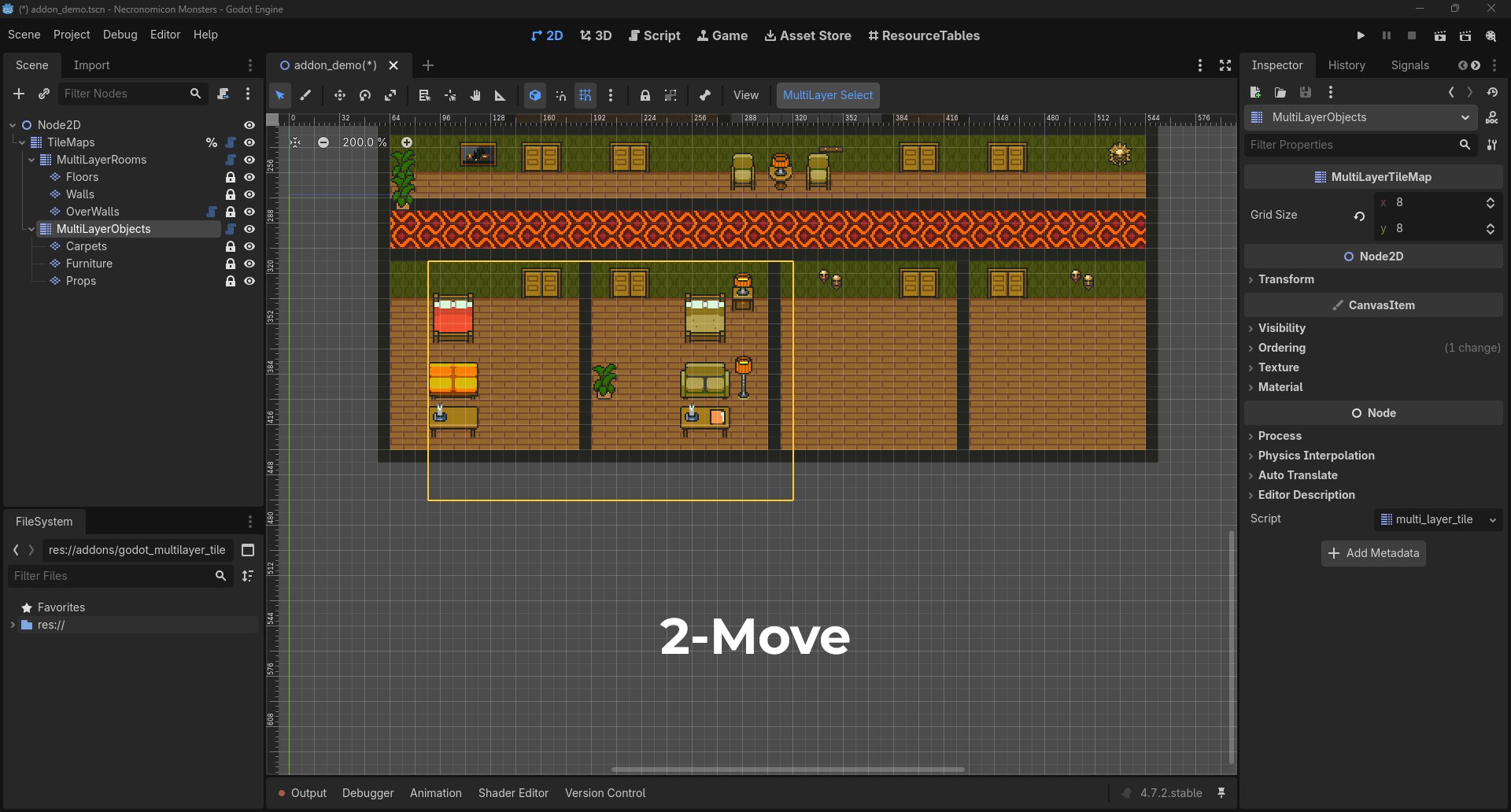
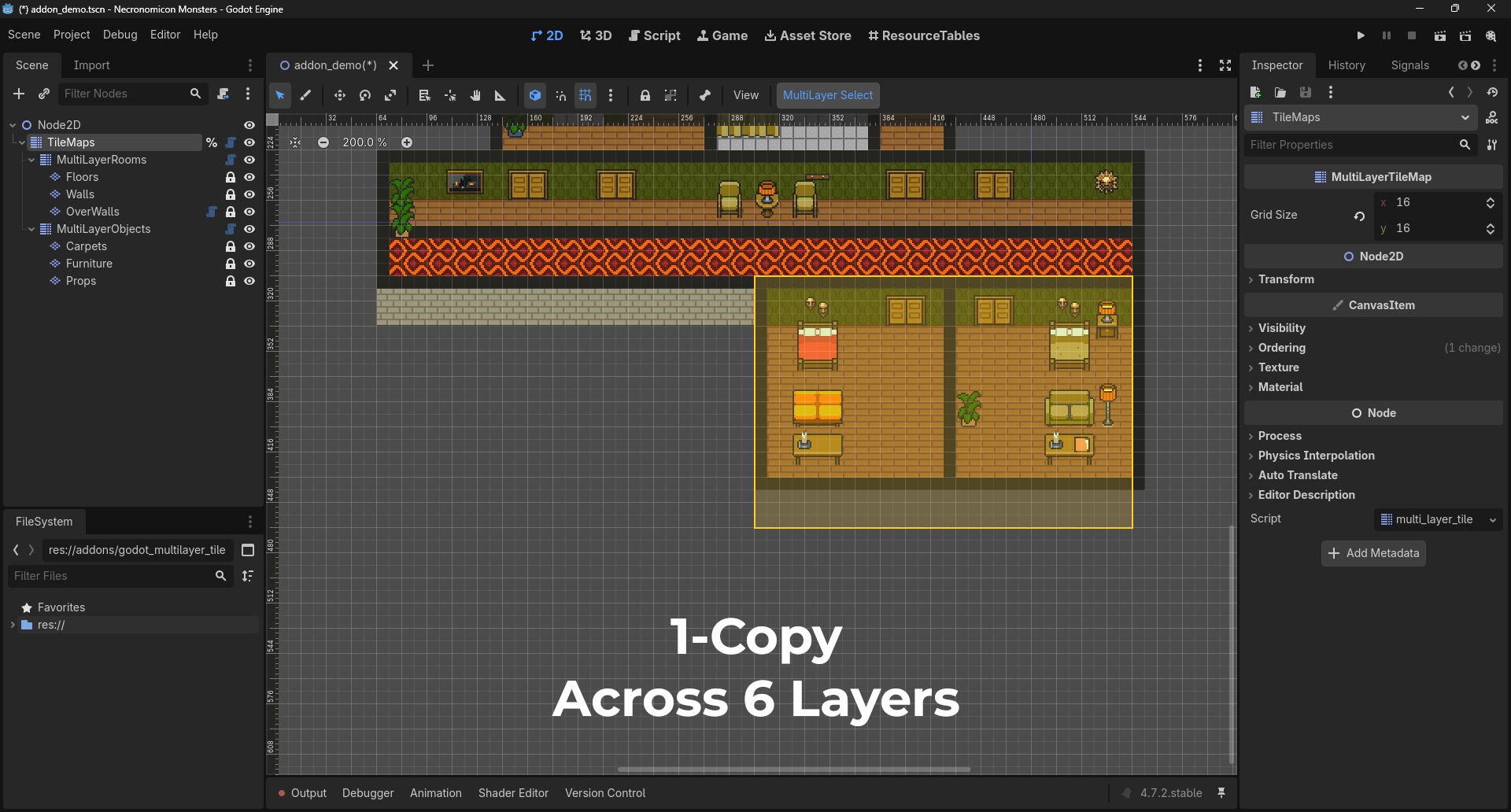
- Select, move, copy, cut, paste and erase tiles across multiple layers in a single operation
- Support layers with different tile sizes and position offsets
- Hidden layers are left untouched
- Has undo/redo history
- Support nested groups: a
MultiLayerTileMapcan contain otherMultiLayerTileMapnodes
Usage
Place your TileMapLayer nodes under a MultiLayerTileMap, select it, and click the MultiLayer Select button in the 2D editor toolbar to start selecting tiles.
| Action | Shortcut |
|---|---|
| Add to the selection | Shift + drag |
| Remove from the selection | Ctrl + drag (Cmd on macOS) |
| Move | Drag from inside the selection |
| Move by one grid cell | Arrow keys |
| Erase | Delete |
| Copy / Cut / Paste | Ctrl+C / Ctrl+X / Ctrl+V |
| Cancel the current drag, or clear the selection | Esc |
Properties
| Property | Description |
|---|---|
grid_size |
Grid size used for selecting and moving tiles. (0, 0) automatically uses the largest tile size among the layers. |
Notes
- Each layer's tile size must divide
grid_size, layers must have no scale or rotation, and nested groups must have no position, scale or rotation (set offsets on the layers instead). Anything that doesn't comply is ignored and flagged with a warning in the Scene tree.
Changelog for version v1.1.3
2026-10-13 07:38:32
No changelog provided for this version.