Description
Changelog
Reviews (0)

DateTimePicker Plugin
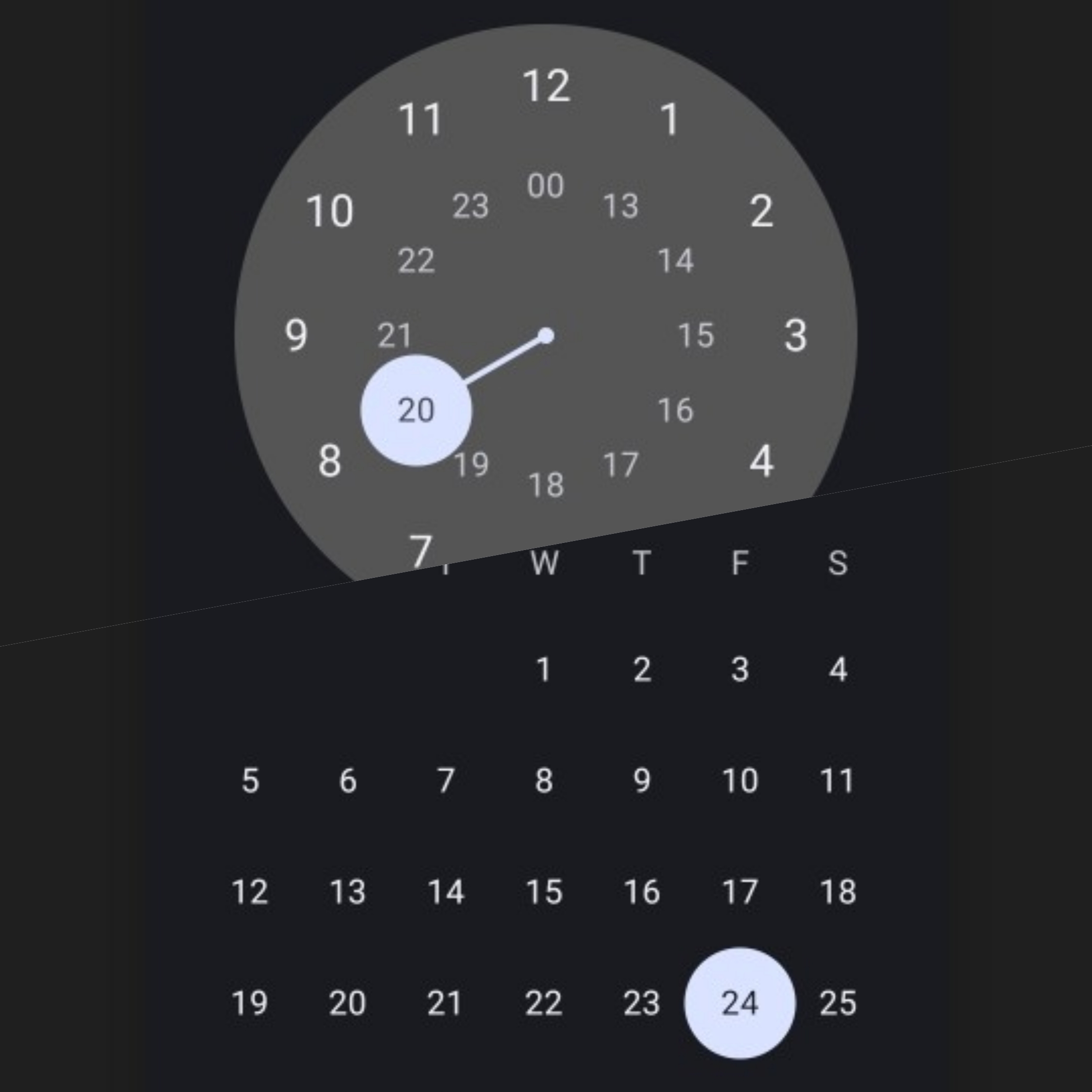
DateTimePicker is a Godot Android plugin that provides native Android Date Picker, Time Picker, and DateTime Picker
Installation
- download the latest version and unzip the archive.
- copy
addonfolder to your Godot project's root directory. - enable the plugin via the
Pluginstab ofProject -> Project Settings...menu, in the Godot Editor.
Methods
pickDate(): Displays a date picker dialog. Emits theonDatePickedsignal when a date is selected.pickTime(is24HourView: bool): Displays a time picker dialog. Emits theonTimePickedsignal when a time is selected.- is24HourView: If
true, the time picker will display in 24-hour format. Iffalse, it will display in 12-hour format.
- is24HourView: If
pickDateTime(is24HourView: bool): Displays both date and time picker dialogs in sequence. Emits theonDateTimePickedsignal when both are selected.- is24HourView: If
true, the time picker will display in 24-hour format. Iffalse, it will display in 12-hour format.
- is24HourView: If
Signals
onDatePicked(date: Dictionary)- day: Selected day
- month: Selected month (1–12)
- year: Selected year
onTimePicked(time: Dictionary)- hour: Selected hour (0–23)
- minute: Selected minute (0–59)
onDateTimePicked(deteTime: Dictionary)- day: Selected day
- month: Selected month (1–12)
- year: Selected year
- hour: Selected hour (0–23)
- minute: Selected minute (0–59)
Demo Project
You can try this plugin using Demo Project
Changelog for version 1.0.0
2025-06-23 19:32:00
No changelog provided for this version.