×
×
Description
Changelog
Reviews (0)
BLUE Quest Editor
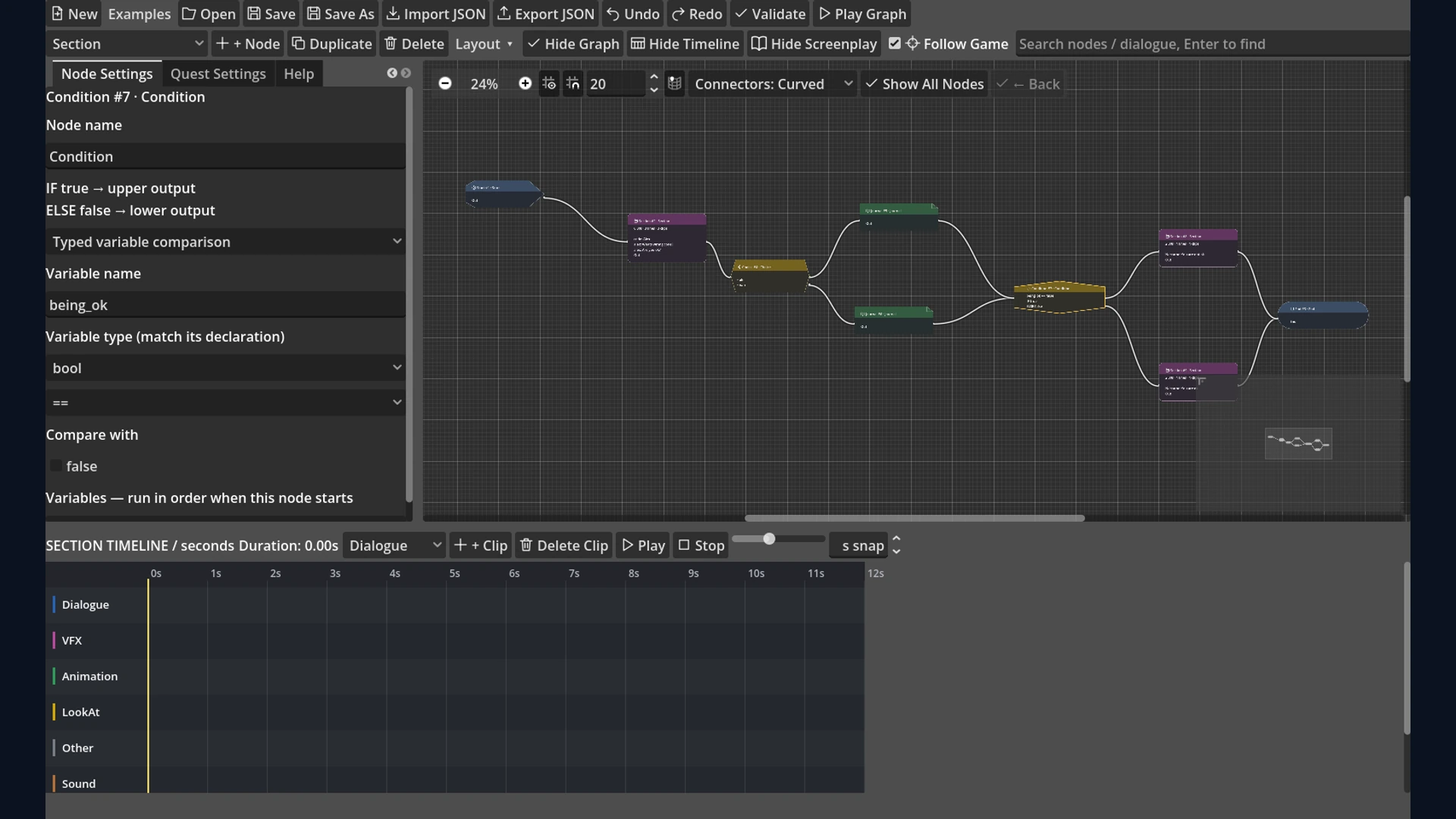
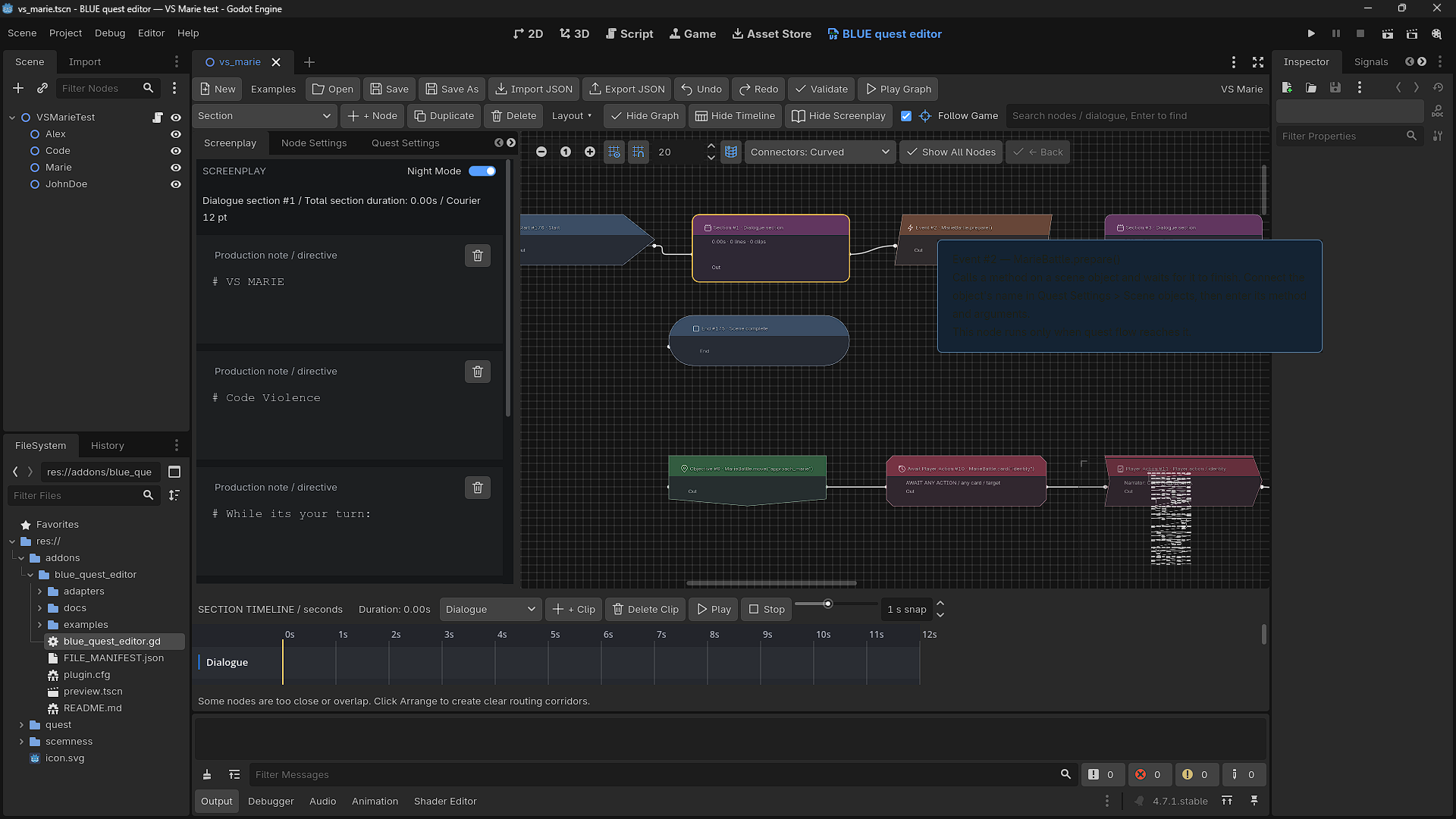
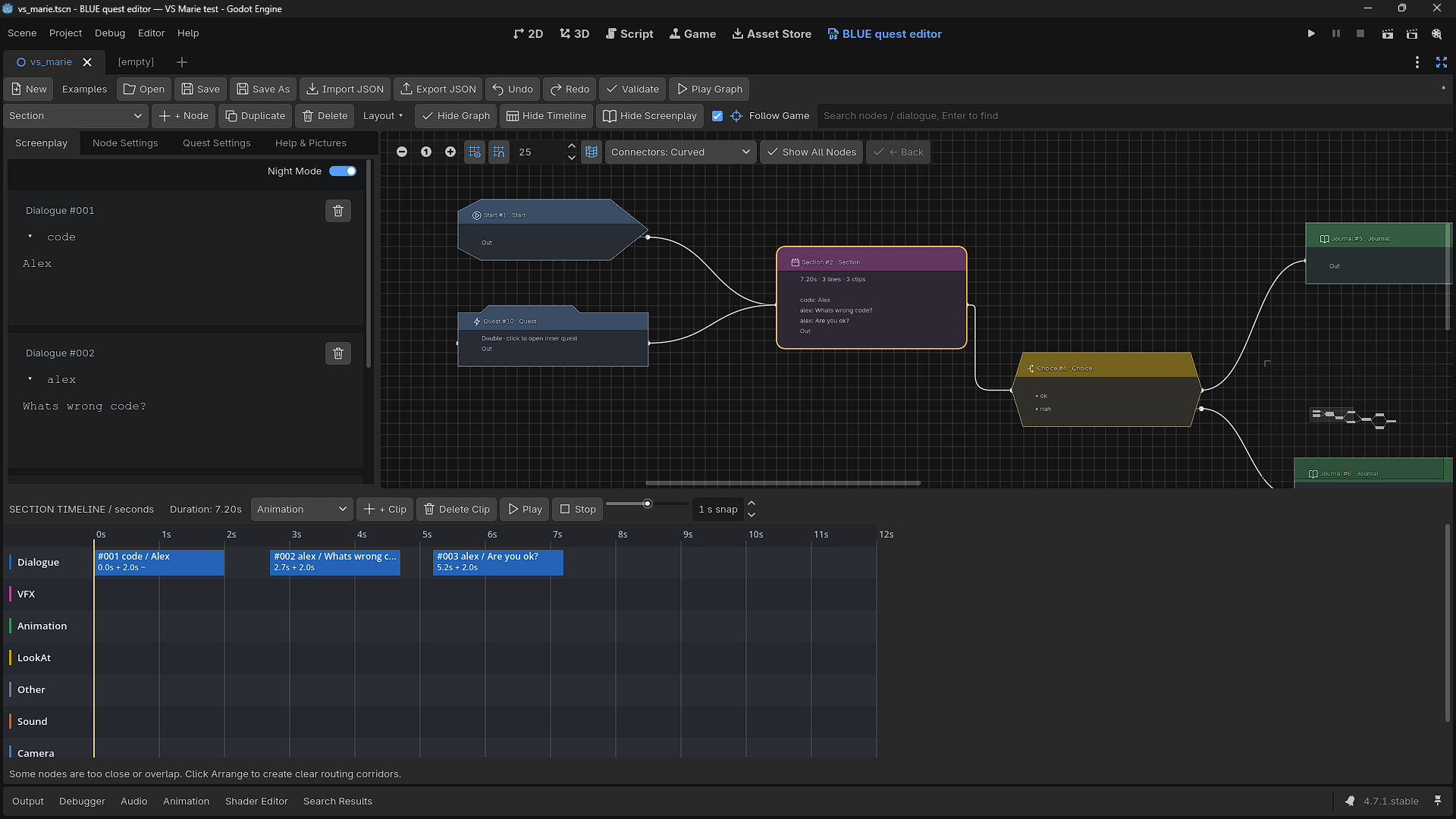
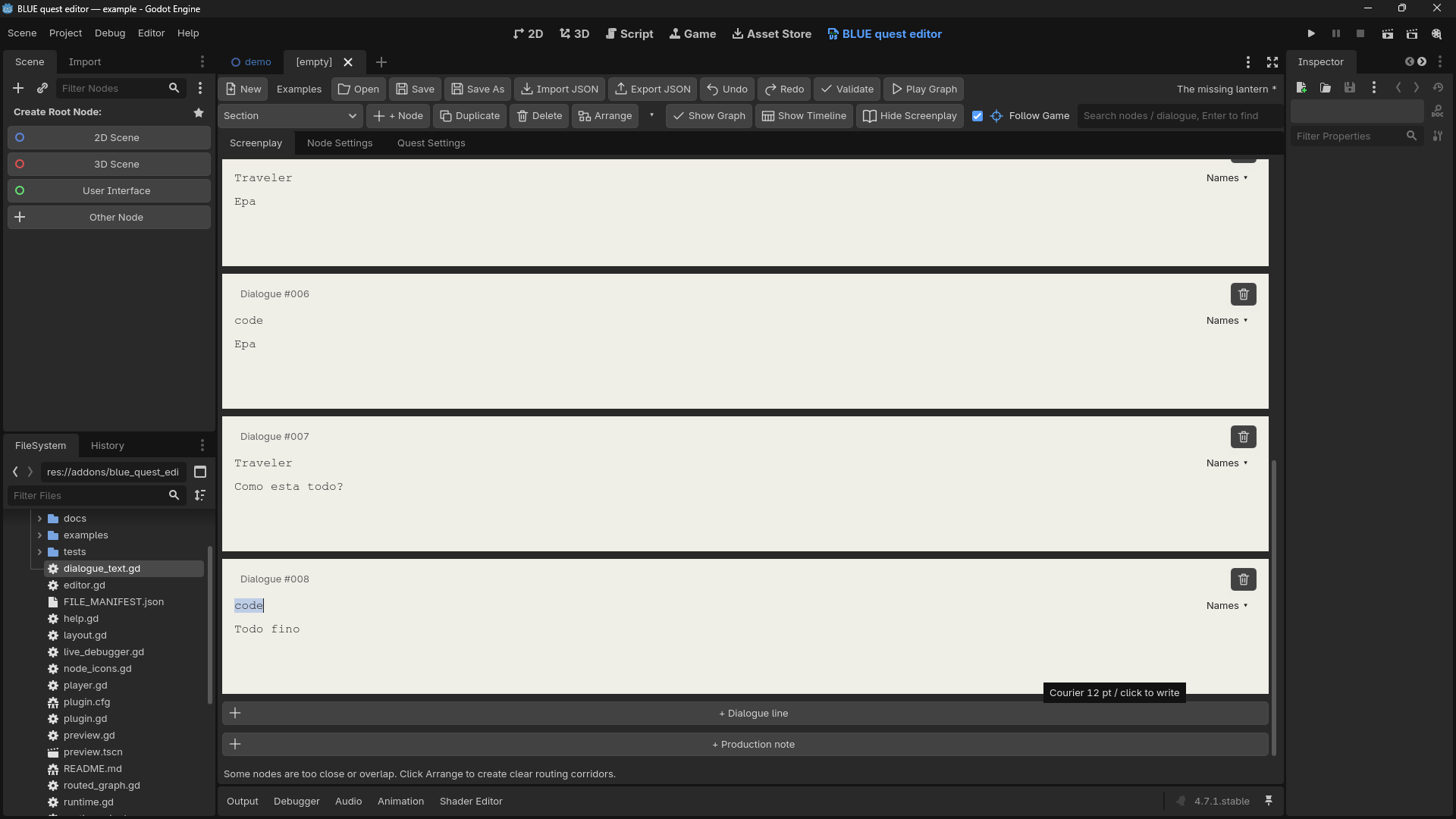
BLUE Quest Editor is a standalone Godot addon for creating quests with visual graphs, dialogue, choices, conditions, variables, and timelines. Includes a screenplay editor, timeline editor, and more! No Dialogic required.
Features
- Visual quest graphs with dialogue, choices, IF/ELSE conditions, and nested quests.
- Bool, integer, and string variables, with operations on nodes and section timelines.
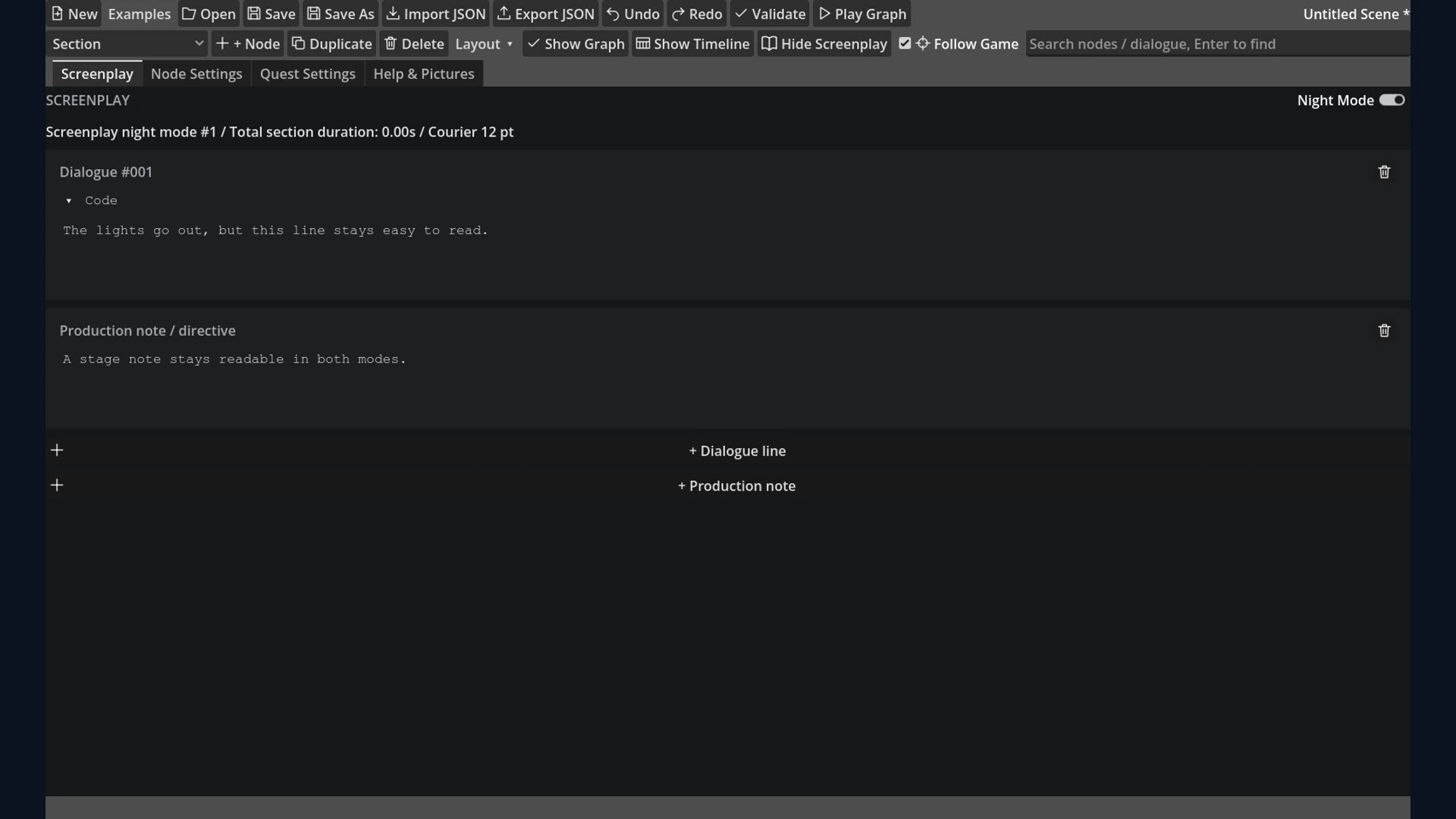
- Screenplay editor with speaker selection and night mode.
- Section timelines for dialogue and other quest cues.
- Included example quest and step-by-step quick-start guide.
- One documented GDScript source file with editable mechanics.
Installation
- Extract the addon ZIP into your Godot project’s root folder.
- Confirm this path exists:
addons/blue_quest_editor/plugin.cfg. - Open Project → Project Settings → Plugins and enable BLUE quest editor.
- Click its top workspace tab or press Ctrl+F6.
Tested with Godot 4.7.1 on Windows.
License
Free to download, with optional tips. Commercial use in your games and projects is allowed. You may modify the source for your projects. Reselling the addon itself, including modified versions or redistribution bundles, is prohibited. The full BLUE Quest Editor Commercial Use License is included in the download.
Changelog for version v1.3.4
2026-11-04 22:59:33
No changelog provided for this version.