Quantum API Client for Godot
Quantum API Client is a lightweight Godot addon for bringing quantum-powered features into a game without writing HTTP request code from scratch.
It supports:
- Health checks and clear structured error messages
- Text transformation with a safe fallback to the original text
- Quick simulator-based gate effects: bit flip, phase flip, and rotation
- IBM backend discovery
- Circuit transpilation
- IBM hardware circuit-job submission, status polling, and result retrieval
- Configurable request timeouts and direct API-key or proxy authentication
Quick Start
- Go to the Asset Store tab in Godot, search for Quantum API and download to:
addons/quantum_api_client/or where appropriate for your project. - Go to Project -> Project Settings -> Plugins & Enable Quantum API Client Settings
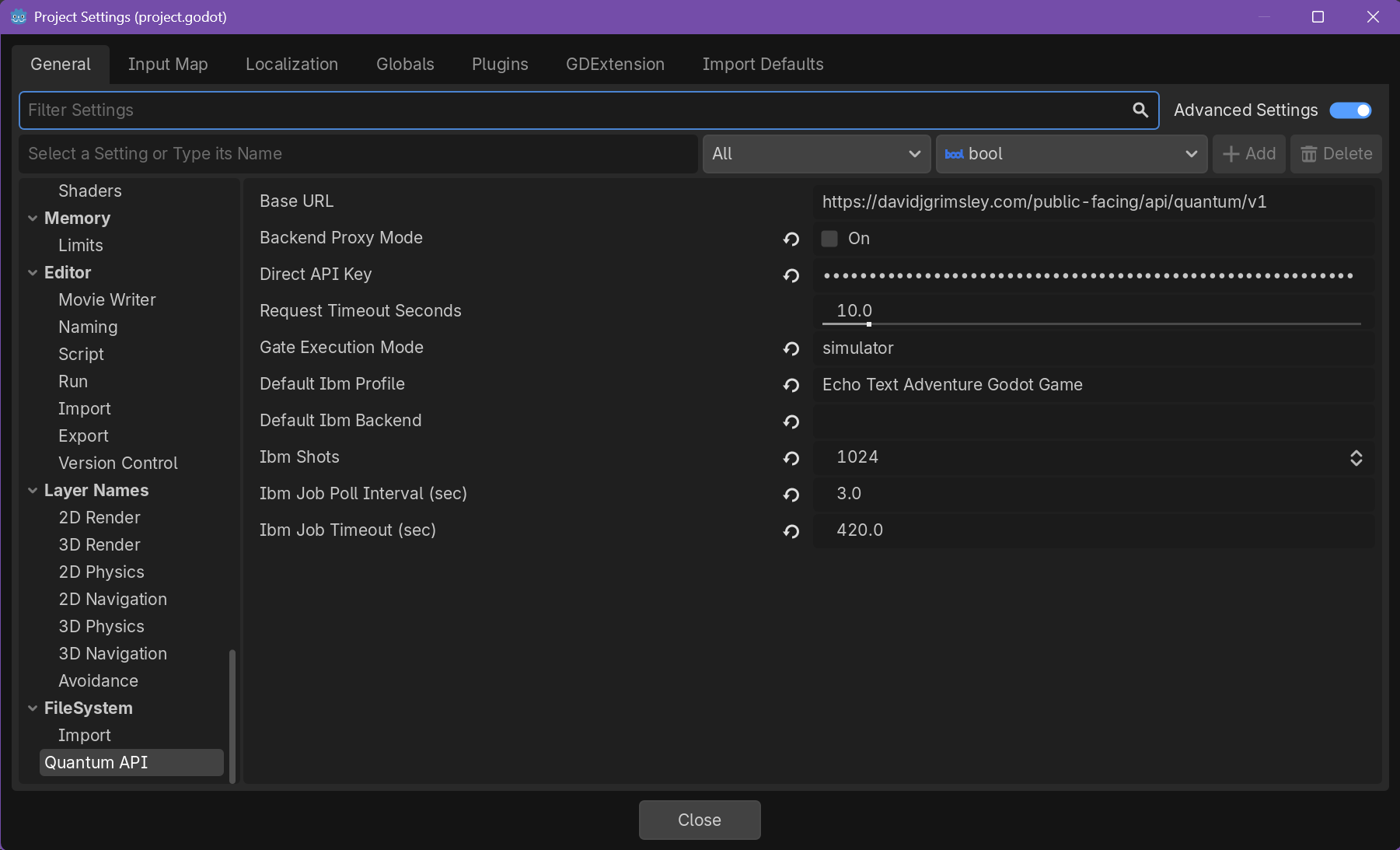
- Go to Project -> Project Settings -> General & Scroll all the way down to Quantum API and configure your authentication mode in Project Settings.
For a quick prototype or game jam, direct API-key mode is the simplest setup. For a long-lived public game, use a backend proxy so players cannot extract the key from a build.
*If the Base URL is exposed, do not edit it as it will make the plugin not work. This field will be removed in a future update.
IBM Hardware
Text transformation and quick gate effects use immediate simulator responses. IBM hardware work uses an asynchronous job flow:
- Choose or configure an IBM profile.
- Discover a backend.
- Submit a circuit job.
- Poll its status.
- Retrieve the completed result.
The addon is designed for runtime use and includes beginner documentation, a bundled license, and an optional editor helper for Quantum API project settings.
Changelog for version 0.1.2
2026-09-19 00:55:50
No changelog provided for this version.