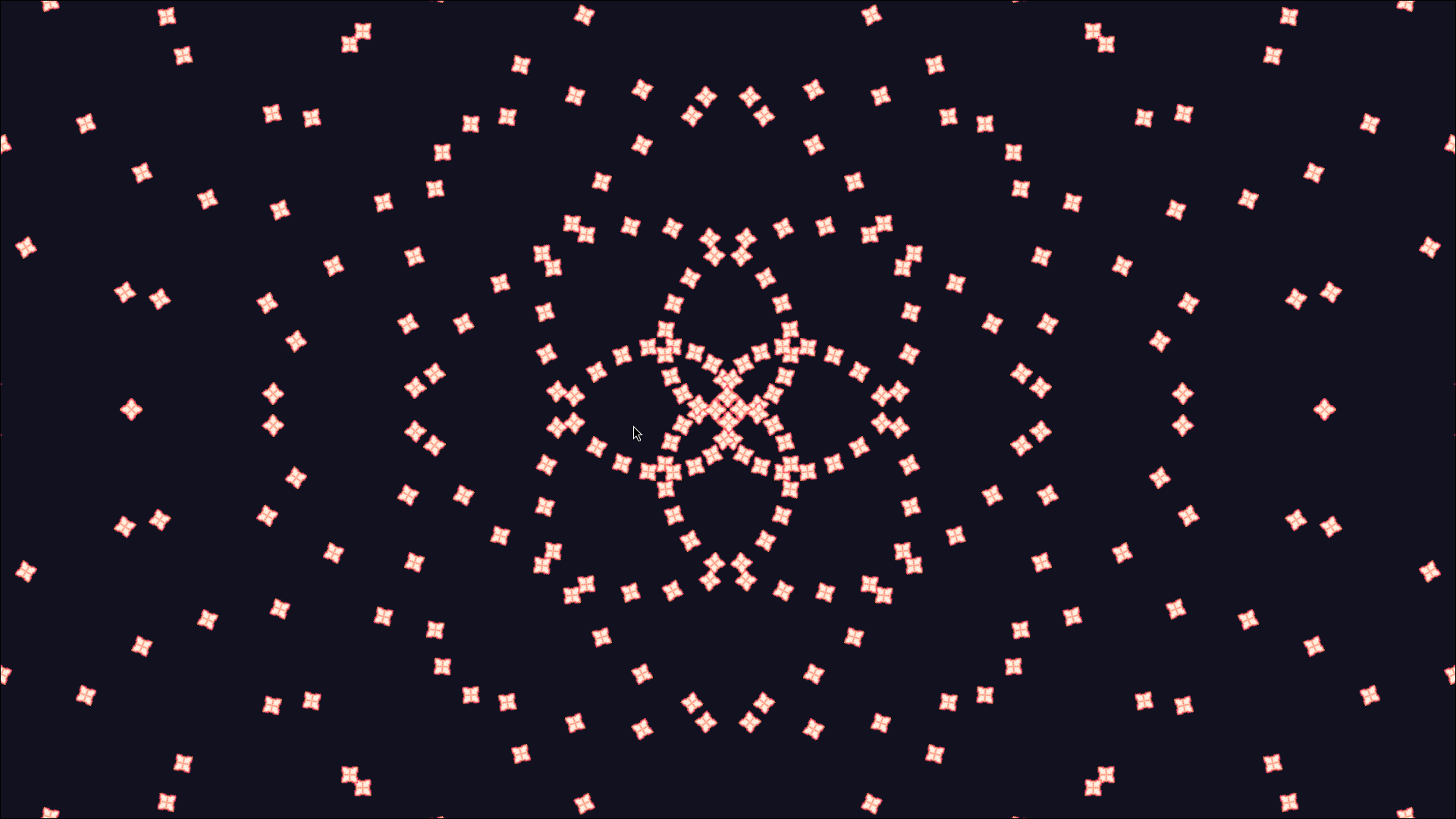
Godot Projectile Engine



Streamlined feature-packed Projectile Engine for Godot 4 - A modular system for creating and managing thousands of customizable projectiles with optimal performance.
> [!WARNING]
> Beta Notice (0.6.x-beta)
> This version contains many bugs, frequent breaking changes, and documentation in progress. It is not recommended for production use.
✨Showcases

Features
🧩 Modular Architecture
- Separated components for specialized functionality:
ProjectileTemplate- Define projectile propertiesProjectileSpawner- Handle projectile instantiationPatternComposer- Design complex projectile/bullet patternsTimingScheduler- Control firing sequences
- Components can be used for a different purpose.
🚀 Performance Optimized
- Object pooling for efficient resource management
- Customizable ProjectileBehaviors - Only use what you need
- Minimal overhead through optimized architecture
💡 Feature-Rich System
- Multiple projectile types with customizable behaviors
- Diverse pattern composers for varied projectile/bullet compositions
- Flexible timing scheduler for complex sequences
🛠️ User-Friendly Workflow
- Native Godot SceneTree integration
- Resource-based configuration
- Intuitive node editing
Installation
Via Asset Library (Recommended)
- Open AssetLib in Godot Editor
- Search for
Godot Projectile EnginebyAzyrGames - Click Download → Install
- Enable
godot_projectile_engineinProject > Project Settings > Plugins - Restart editor
Manual Installation
- Download latest version
- Extract the ZIP or tar.gz archive
- Copy
/addons/godot_projectile_enginefolder - Paste into your project's
/addonsdirectory - Verify and enable
godot_projectile_engineinProject > Project Settings > Plugins - Restart editor
Quick Start
Create a basic projectile system in 5 steps:
Create Scene
Start with an emptyNode2DrootAdd Environment
Add aProjectileEnvironment2DnodeConfigure Pattern
AddPatternComposer2D:- Set pattern name to
"simple_1"
- Set pattern name to
Setup Timing
AddTimingSchedulerwith childTSCRepeaterCreate Spawner
AddProjectileSpawner2D:- Set
projectile_composer_nameto"simple_1" - Create
ProjectileTemplateSimple2Dresource and assign a texture - Connect to
TimingScheduler
- Set
Optional: Add
Camera2Dfor better viewing
Run the scene to see projectiles in action!
Explore: See more examples in addons/godot_projectile_engine/examples/
Documentation
Godot Projectile Engine Official Documentation
Media
Project that used Godot Projectile Engine
UTOZ
A 10-day Twin-stick shooter Bullet Hell game submission for Bullet Hell Jam 6, made by one person.

Credits
Contributors will be listed here
Changelog for version v0.6.0-beta
2025-08-15 09:22:00
No changelog provided for this version.