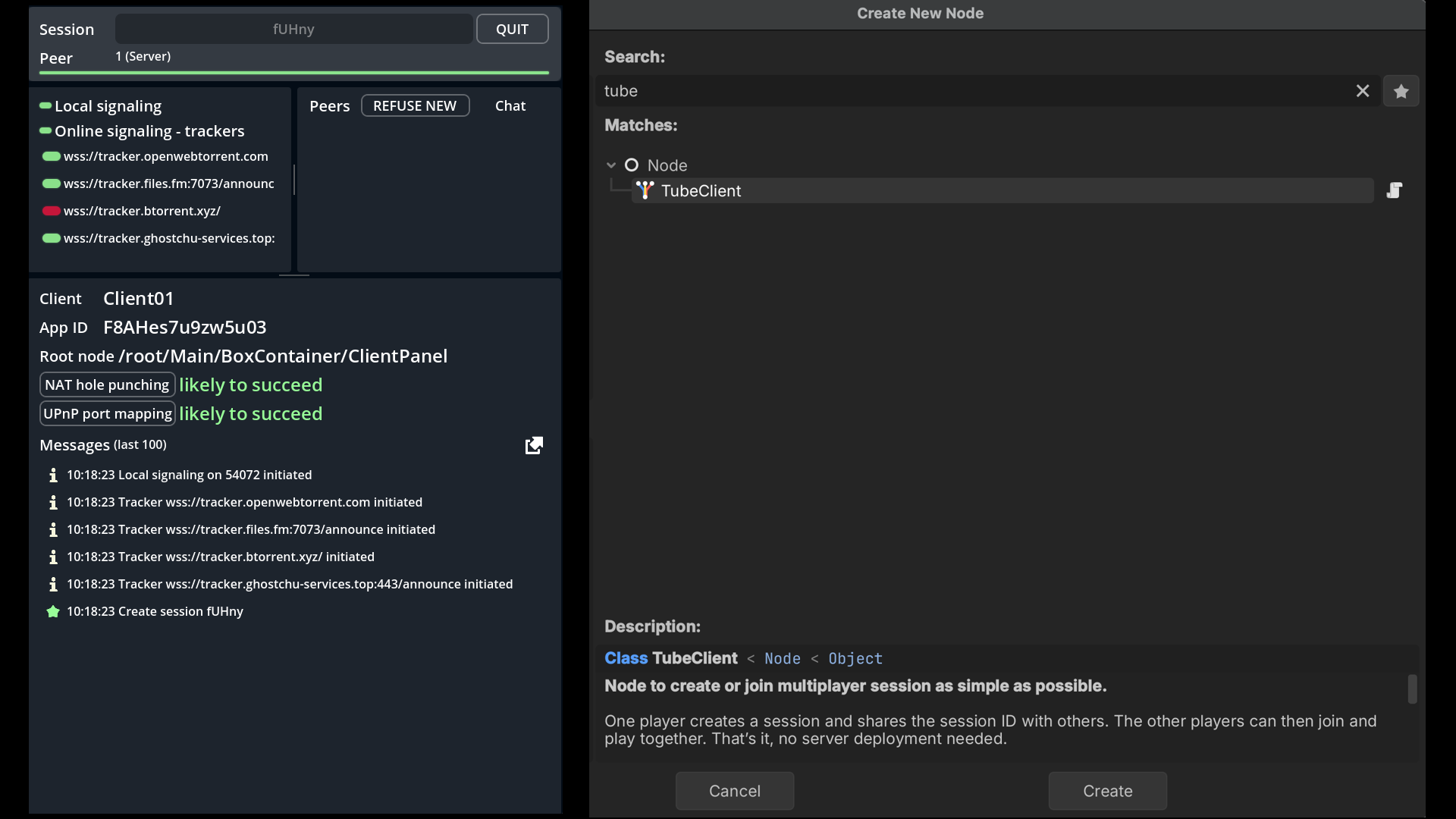
One player creates a session and shares the session ID with others through a external channel (WhatsApp, Discord, etc.). The other players can then join and play together. That’s it, no server deployment needed. Tube works on any platform: Web browsers, Windows, Mac, Linux, mobile. Go to https://github.com/jonandrewdavis/tube/#how-to-use for more information.
Requirements
Tube uses WebRTC, as it, it works automatically on HTML5 export, but requires an external GDExtension plugin on other platforms. You can find everything you need in the webrtc-native plugin repository.
When exporting to Android, make sure to enable the INTERNET and CHANGE_WIFI_MULTICAST_STATE permission in the Android export preset before exporting the project or using one-click deploy. Otherwise, network communication of any kind will be blocked by Android.
To use this add-on effectively, it is essential to understand Godot High-Level Multiplayer
Installation
To install copy the addons/tube folder into addons Godot project's addons folder. Or download it directly from the Godot Asset Library
Verify that the addon is activated in your Godot project in Project Settings -> Plugins.
Configuration & Utilisation
Tube is composed of two main elements:
TubeContext: AResourcedefining the configuration the session connexions.TubeClient: ANodemanaging network connection and multiplayer peers.
Attribution
Maintained by AndrooDev. Forked from: https://github.com/koopmyers/tube. Thank you Koop, wherever you are! Please get in touch.
Find AndrooDev on any platform!
Changelog for version 1.2
2026-08-22 02:15:19
No changelog provided for this version.
