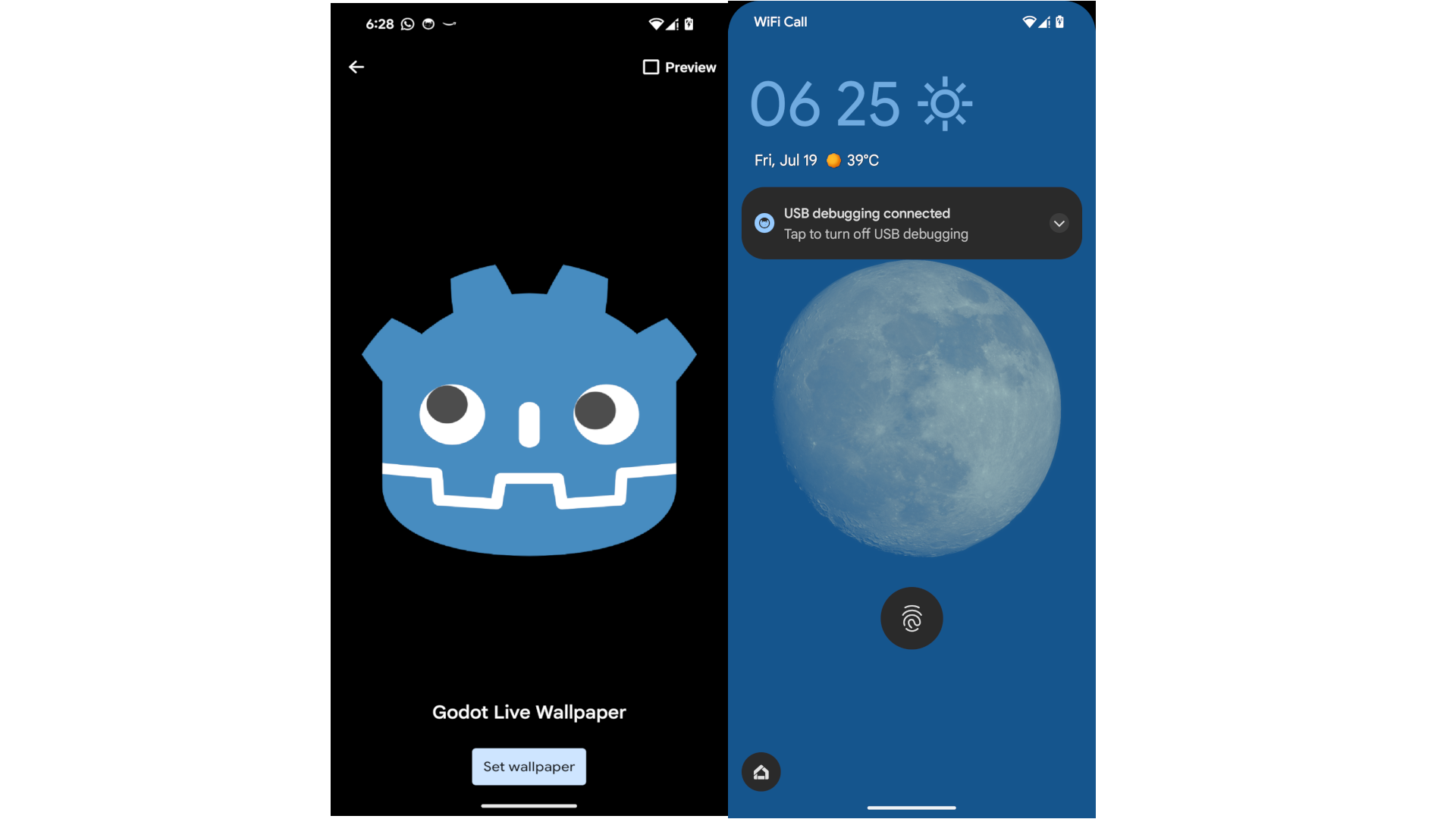
Make your Godot Android application run in the background as a live wallpaper. This plugin works only with Compatibility renderer.
How to use
- Keep (Ignore asset root) unchecked, then click Install.
- (Recommended) Go to Project → Reload Current Project.
- Go to Project → Project settings → Plugins.
- Enable the LiveWallpaper plugin.
- Add a
LiveWallpapernode using the plus (+) add-node button in the Scene tab.
Before Export
- Go to Project → Install Android Build Template.
- From Project → Export → Android, enable Use Gradle Build.
Once the LiveWallpaper node has been added to the scene
You can reference it from any script and start the live wallpaper service by calling the start_live_wallpaper_service() method:
$LiveWallpaper.start_live_wallpaper_service()
Or connect to its signals by clicking Connect from the Node tab, then Signals. For example, connect to the visibility_changed(visibility:bool) signal to receive visibility updates, or from code as follows:
$LiveWallpaper.visibility_changed.connect(is_user_viewing_my_wallpaper)
Live Wallpaper settings
A LiveWallpaper docked tab will show up next to the Filesystem dock. From there you can set the wallpaper name and preview picture. The wallpaper name will show up in the live wallpaper picker, and the preview picture will show up as a thumbnail. Other metadata such as author and context URL are optional if you toggled Show Info In Preview on.
Tip
I recommend adding */Editor/* to your Project → Export → [Any Platform Preset] → Resources → Filter to exclude folders from the project. This will prevent any assets inside a folder named Editor from being included in the export, including some Editor-only files from this plugin.
Changelog for version V1.5.1
2026-05-22 20:17:16
No changelog provided for this version.