Description
Changelog
Reviews (1)
Icon Explorer
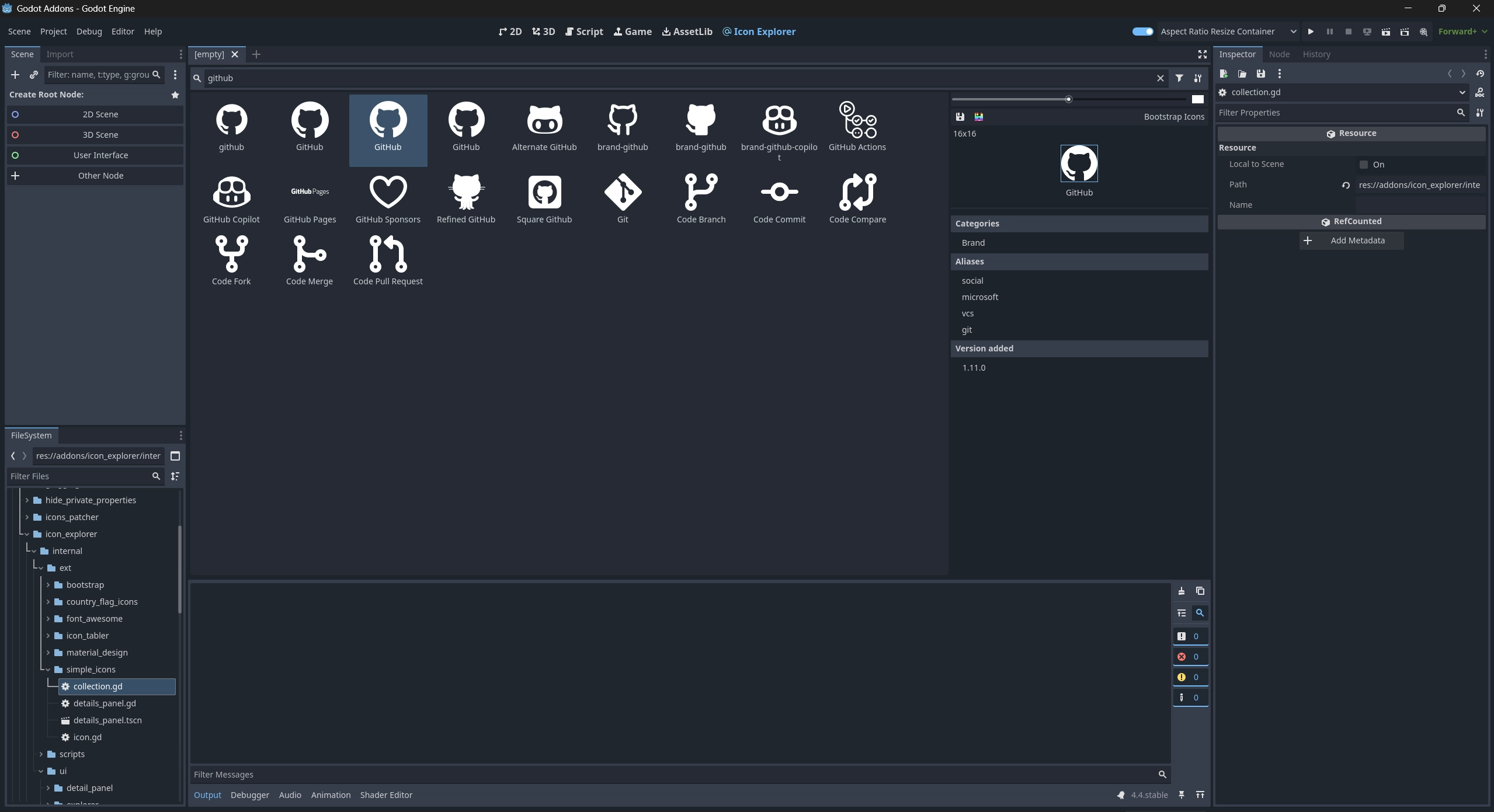
Browse and save icons from popular collections like Font Awesome, Material Design, Bootstrap, Tabler Icons, and more — all directly from within the Godot editor.
Icon Explorer provides a convenient and fast way to access high-quality SVG icons without leaving your project.
Features
- Browse icons in a popup or on the main screen
- Save icons as white or colored SVGs
- Filter by collection or search by name
- Adjust preview color and icon size
- Install and update icon sets from within the tool
- Optionally remove the main screen button for a cleaner workspace
Downloaded icons are cached locally and are not all imported at once — this tool is editor-only and does not affect your final game.
Includes support for
- Font Awesome 6
- Material Design Icons
- Bootstrap Icons
- Simple Icons
- Tabler Icons
- Country Flag Icons
Usage
Access via Project -> Tools -> Icon Explorer... or from the main screen icon. You can manage settings and updates from the options menu in the upper-right corner.
Restart the editor to apply certain UI changes such as hiding the main screen icon.
Changelog for version 1.6.1
2026-06-21 14:18:56
No changelog provided for this version.
